
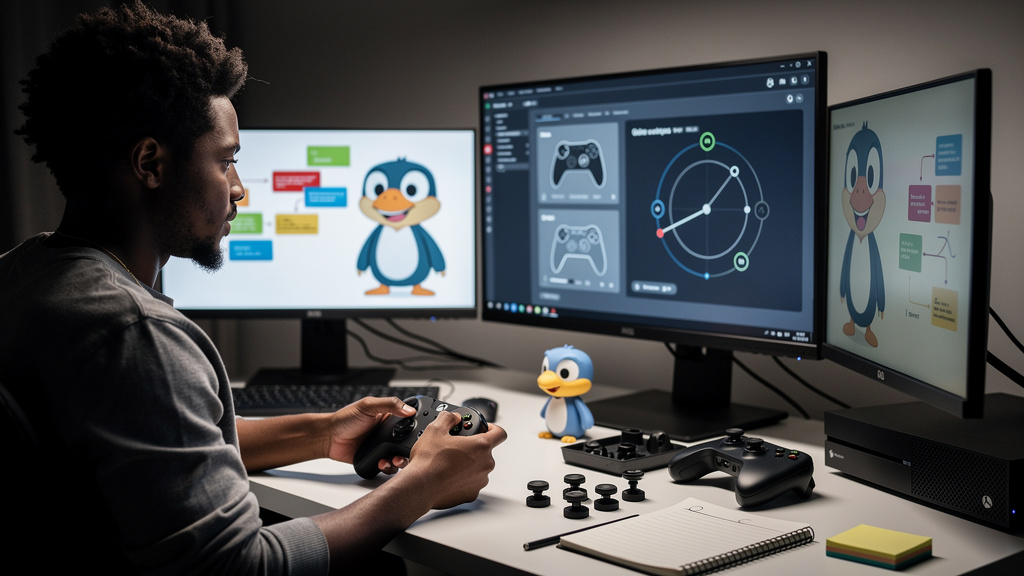
A year ago I dropped $200 on a pad because I was fed up with the standard pair-of-batteries-and-a-wire situation that PC gaming had me stuck in. I expected to regret it within a month. I have not picked up another gamepad since. The reason is not the marketing copy. It is the way this thing disappears into your hands after about ten minutes, and then you cannot go back. Let me tell you what changed, what did not change, and the one thing I would warn anyone before they buy it.
What made me finally spend the money
I had been gaming on a $40 third-party pad from a brand I will not name. The left stick drifted after about seven months. The Bluetooth connection dropped whenever I walked more than ten feet from the PC. The rubber had gone sticky on the grips. I replaced it once, had the same experience, and almost resigned myself to a slow rotation of $40 gamepads until something better showed up.
Then a friend who repairs gaming controllers for a side income told me the thing he sees most often. Drift on cheap sticks. Pairing headaches on cheap wireless. He said the Elite Series 2 was the only retail pad he had not seen return for any of those reasons in three years. That conversation is what sold me.
- Sticks on cheaper pads drift faster because the modules are not potted (sealed in resin to keep debris and solder joints stable) the same way
- Wireless stacks on Windows are not standardized, so a $40 pad can be flaky on one motherboard and fine on another
- A repair tech’s recommendation is the most trustworthy review you can find
- $200 is a lot, but it is cheaper than three $40 pads that fail in the same way
I bought it from Microsoft directly, which I will get to in a minute. The point here is that the decision was not aspirational. It was the result of two failed cheap pads and one conversation with someone who sees them on the bench.
What I noticed in the first week, not the review headlines
The reviewer talking points you read everywhere are: 40-hour battery, textured grip, hair-trigger (a setting that lets the trigger fire with a smaller press) mode, four paddles. Those are all accurate, but they are not what made me put the cheap pad in a drawer. What made the difference was how the things disappear.
The stick tension on the Elite feels heavier than cheap pads, which is the opposite of what I expected. A heavier stick means small corrections are not accidental. Once my muscle memory adjusted, aiming in Counter-Strike and Apex stopped fighting me on small flicks. That is a real change nobody mentions in feature lists.
- Heavier sticks cut down on stick drift from tiny thumb movements
- The d-pad is finally usable for fighting games without modification
- Trigger stops let me switch between shooters and racing games without swapping the pad
- The whole thing weighs more than a cheap pad, and that weight is reassuring, not annoying
- The paddles eliminate the thumb journey from stick to face button
None of those are breakthrough features on paper. Together, they turn the pad into a tool I forget I am holding. That is the bar that matters.
The paddles are the part nobody warns you about
The four back paddles (the small buttons attached to the back of the gamepad that you press with your ring or pinky fingers) sit under your ring fingers once you hold the pad the standard way. I had read about them but never used one. The first hour felt wrong, because my ring fingers wanted to relax. After two days I had rebound crouch, jump, melee, and reload to the paddles. After a week I could not play anything without them. Going back to a standard pad to play Hades with my daughter on the couch felt like driving a manual car without a clutch.
- The paddles snap in and out without tools, so you can experiment with placement
- Smaller paddles fit shorter fingers; medium paddles fit most adult hands
- Map crouch to a paddle and you will never bottom out your thumb stick again
- Map reload to a paddle and your shooting hand stays still longer
- You can save profiles per game and switch with two presses on the pad
The paddles are the feature that pushes this pad from “nice” to “I cannot go back.” If you are on the fence, the paddles alone are worth roughly half the price difference between this pad and a $70 mid-tier one.
The dock is the other half of the value
Charging docks (small stands that charge your controller when you set it down, instead of needing to plug in a cable) are usually gimmicks. Most gamepad docks charge slowly, sit awkwardly on the desk, or only work with one specific cable layout. The dock that ships with the Elite Series 2 is none of those things. It is heavy enough to sit still when you grab the pad. It charges in a reasonable amount of time. The pad slides on and off without fiddling.
- The dock is heavy enough that you do not slide it when you grab the pad
- Charging speed is acceptable; full charge in roughly the same time as a wired session
- The pad knows which profile you used last and stays on it
- If you want to go wired for latency, you can plug USB-C into the pad or the dock
- The dock doubles as a stand when you are not actively charging
I am a one-monitor-on-the-desk person. My old routine was to plug in a USB cable every time I sat down. My new routine is to pick the pad up and start playing. That is a quality of life change worth the desk space.
What I would tell past me about the downsides
I will not pretend the pad is perfect for every hand. It is heavier than a standard Xbox pad by about 70 grams. If you game in a recliner with your arms at chest level, the weight is noticeable over a long session. If you have smaller hands, the medium paddles might not fit, and the small paddles can feel too close to the palm. If you game on console, you do not need most of what this pad offers and a standard Wireless Controller is a smarter buy.
- Heavier than a standard pad; not great for reclined couch sessions
- Smaller hands may need small paddles, which some users find too close to the palm
- Console players get little benefit from the paddles and the app
- The Xbox Accessories app on Windows wants a Microsoft account, so count that as a setup step
- It is expensive for anyone who plays fewer than five hours a week
There is also the broader question Microsoft should be answering. The pad launched in late 2019. There has not been a public successor or a major firmware update since the standard for premium hardware. If you are betting on a refresh soon, you are betting against what Microsoft has said publicly for the last two years. Buy it for what it is today, not for what it might become next year.
A short list of what to do the day it arrives
Get the Xbox Accessories app installed before you start mapping paddles. Save at least two profiles, even if you only play one genre right now. The second profile is for the day you try a game that needs different bindings, and you will be glad you set it up. Try both paddle sizes if your hands are anywhere near the borderline between small and medium. Most of the small fiddly complaints I read in reviews came from people who never tried the smaller paddles first.
- Install the Xbox Accessories app the same day you unbox the pad
- Save at least two profiles, even if you only play one genre
- Try both paddle sizes before deciding which to keep mounted
- Mount the dock somewhere visible so you actually use it
- Buy from Microsoft directly if you can; returns are painless and pricing is the same
If you have been weighing the purchase for a while, this is your sign. The Elite Series 2 is the pad I keep, and I keep telling people about it for exactly that reason.