
Adobe put the full version of Premiere on the Play Store this week with no subscription, no watermark, and no trial countdown. Open the app, drop a clip, start cutting. The fact that this is news tells you how unusual Adobe’s paywall approach has been for the last few years. Most serious video editors charged money for the full app. Adobe is letting people in for nothing.
What changed is the calculation. CapCut turned short-form video into a free-for-all, and Canva turned the easy-button market into a non-paying commodity. Adobe was charging $9.99 a month for a stripped-down mobile version called Premiere Rush, which made it the worst of both worlds: too expensive for hobbyists, too limited for professionals. Removing the paywall on the full Premiere is a reaction to that losing position.
[image: Premiere app icon visible on a Play Store listing, with the install button highlighted]
Why this is more than a price drop
Most product launches are a feature list plus a price tag. This one is a strategic pivot, and the timing tells you which competitor Adobe is worried about. CapCut is the default for vertical video on phones. Canva is the default for small-business social clips. Both are free and both feel generous. Adobe was losing the space where new creators start, and losing that space meant losing the next generation of video editors before they ever touched a serious tool.
Premiere on Android is free because the company needs adoption more than it needs $9.99 a month from a shrinking mobile user base. The economics shift: free editor, paid storage, paid AI. That model works when you have a strong desktop business and a brand people trust. Adobe has both.
- CapCut is the default for vertical short-form video on phones
- Canva is the default for small-business graphics and short clips
- Premiere Rush cost $9.99 a month and was a watered-down teaser for the real app
- Adobe’s desktop Premiere is the professional industry standard for film and TV
- The mobile version uses the same timeline engine as the desktop version
- The company is shifting from per-app fees to cloud storage and AI credit pricing
Defensive price moves from incumbents are usually the best moment to grab a tool. The product gets cheaper because the alternative is losing market share, and that window closes once the company feels it has regained ground.
What lands in your hand for free
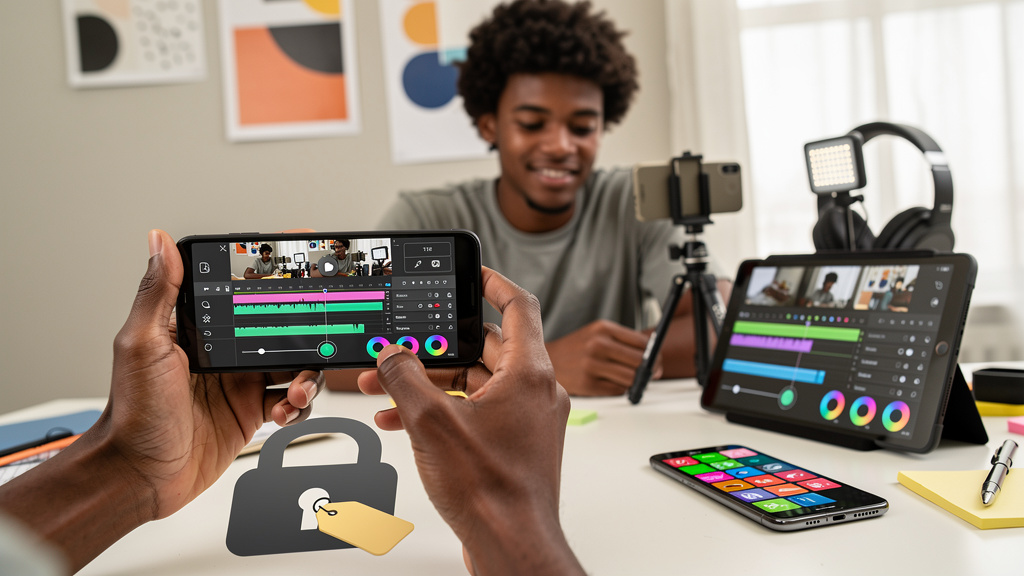
The free Android app is not a teaser. You get the same multi-track timeline engine the desktop version runs, with stacking for video, music, voiceovers, and effects on separate layers. 4K export is in there too, which is overkill for most phones but useful if you shoot on a mirrorless camera and want to finish the cut on the bus home. Transitions, effects, and access to Adobe Stock (Adobe’s royalty-free image and video library) plus anything in your own files are all included. There is also an Enhance Audio tool that cleans up room sound to something close to studio quality, the kind of feature that used to live behind a separate purchase.
You also get templates from other creators, which means you can ship a TikTok without first learning the timeline. Adobe has clearly aimed at the casual user while leaving the heavier features in place for power users. The roadmap mentions keyframes, beat detection, Adobe Fonts, improved captions, and the ability to continue editing the same project on a desktop Premiere session.
[image: a Premiere mobile timeline with video, audio, and overlay tracks visible on separate layers]
Where Adobe still wants your money
Adobe has to monetize somewhere, and the answer is generative AI plus cloud storage. The headline AI features, including generative image fill, still-image-to-video, and on-demand sound generation, sit behind a paid tier. Cloud sync between phone and desktop costs a separate monthly fee. The free tier covers the editor itself, which is the part most people actually use, and the AI features are the upsell.
If you do not care about AI at all, the free app covers everything you need to edit and publish. If you want Adobe’s generative tools on top, expect a subscription plus AI credits on top of that. Pretending the AI features are free would be dishonest. The deal is still good for most users, but the cost is real and you should plan for it.
- Generative image fill is an AI feature that adds or removes content from a frame based on a text prompt
- Still-image-to-video turns a still image into a short animated clip using generative AI
- On-demand sound generation produces audio from a text description of the sound you want
- Adobe’s cloud storage pricing is separate from the app itself, which is free
- Generative AI features consume credits, and credit refills cost money
- The free tier covers the editor and export; the AI tier covers the extras
That split is the standard model now. Every major creative vendor is doing the same thing. Free the legacy tools, charge for the AI.
How this stacks up against CapCut and Canva
If CapCut has been your main tool, the question is whether you need real multi-track editing or whether you just need fast vertical video. CapCut is faster for the TikTok loop, with templates and auto-captions that ship a clip in minutes. Premiere earns its place when the project has multiple tracks, like a vlog shot on three angles or a podcast clip that needs proper audio cleanup. Both apps fit comfortably on the same phone, and many editors keep both installed.
If Canva has been your editor, the upgrade path is genuine. Canva’s video tools are fine for social posts and short explainers, but they are not a timeline editor in the way Premiere is. You do not have to switch, but for the first time the choice is here without a paywall. Most users will keep Canva for graphic design and pick up Premiere for video, which is exactly the split Adobe is hoping for.
- CapCut wins on speed and templates for short vertical video
- Premiere wins on multi-track editing and audio cleanup for structured projects
- Canva wins on graphic design and quick social clips with no editing knowledge required
- The three tools can coexist on the same phone without stepping on each other
- Most users will pick one as primary and keep the others for tasks where they shine
Before you hit download
Two practical checks matter more than the marketing copy. Premiere on Android needs Android 13 or newer and at least 5GB of RAM. Anything older or lower-spec and the app will lag badly or refuse to install. The Play Store listing on your phone will tell you which category you are in. The app has already passed 50,000 downloads in its first window, so the demand is real, but a slow phone will make you blame the app for hardware problems.
Templates and quick cuts feel right to some users, and CapCut is a faster path for that style. Real multi-track work, with proper audio layering, feels right to other users, and Premiere is the first free phone editor that delivers that laptop-class experience. Pick based on what you actually edit, not on the press release.
Coach’s Note: Confirm your phone meets the 5GB RAM and Android 13 line, install from the Play Store, and cut a real clip tonight rather than poking at a sample. If the workflow feels right, the subscription you used to pay for is now optional. If it feels heavier than CapCut, you just learned something honest about how you prefer to work. Both outcomes move you forward.
Trade-offs
Going all-in on Premiere is not free in learning time. The timeline model is more capable than CapCut’s, which means more menus, more controls, and more decisions to make before a clip is ready to ship. If you are moving from a one-tap template tool, plan for a few evenings of figuring out what the buttons do before you produce anything you would actually publish.
The free tier is also not free in storage. Projects live in Adobe’s cloud if you want cross-device sync, and Adobe’s cloud storage is a paid plan. Local-only projects work but lose the ability to move smoothly between phone and desktop. If the cross-device workflow matters, you are paying monthly.
Running the AI features adds a third cost on top of storage and learning time. The generative image tools and video creation features both consume credits, and credit refills are not cheap. If you only want the editor, the free tier is enough. If you want the full AI experience, the math starts to look similar to the old Rush subscription, and in some cases more.
[image: Adobe Premiere mobile interface with the AI tools panel and credit counters visible]
Source: ghacks.net, 2026-09-23, Adobe Premiere comes to Android for free with full video editing tools