
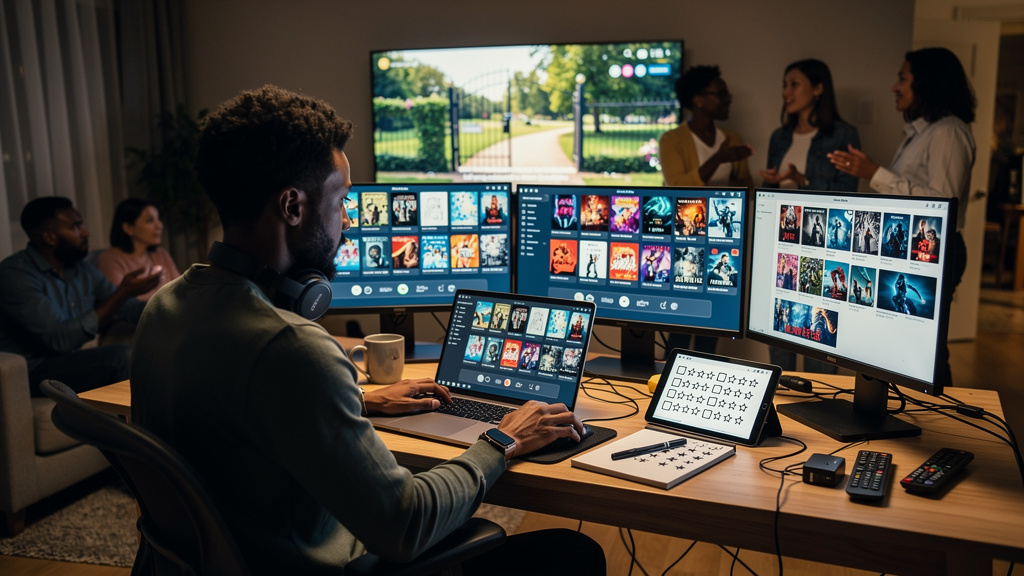
I have four TVs in rotation and zero interest in paying for another subscription. So for the last month I let four free, ad-supported apps fight it out across my main set, my basement TCL, and a Hisense Canvas I keep meaning to mount. The apps were Tubi, Pluto TV, The Roku Channel, and Plex’s free tier. One of them ended up taking about 80 percent of my actual watch time. Here is what each did well, what each failed at, and why the winner is not the one I expected.
The setup
All four apps are free with ads. None of them asked for a credit card, and none of them pestered me to upgrade in the first session. I had a single test rule: any time I wanted to watch something, I would jot down the title and check which of the four apps had it. The list grew to about thirty specific movies and shows across a month. I did not count minutes. I counted which app I opened when I sat down, and which app the title was actually in.
The picture setting that mattered more than any of the apps was turning off motion smoothing on each TV. Out of the box, the Hisense and the TCL both ship with the soap-opera smoothing turned on, which makes films look like they were shot on a phone. Once that was off, the picture held up across all four apps and all three sets. The apps are not where you are losing picture quality. The default TV setting is.
Tubi: the catalog won
Tubi is where I kept landing, and it came down to catalog size. Nothing else came close. The on-demand catalog tops 50,000 movies and shows, and Fox keeps feeding it with new licensing deals. Of the titles on my list, roughly four out of five were already there, ready to play, no signup required.
The library leans into the stuff I actually reach for. Classic TV is stacked, with full runs of Columbo and Sanford and Son. There is a deep bench of horror, true crime, and cult genre films, plus a kids section big enough to keep mine busy. Licensing deals with Lionsgate, MGM, Sony, Paramount, and NBCUniversal keep real movies coming in, not just filler. The ad load was the lightest of anything I tested, and the app did not push me to create an account.
Where it slips is resolution. Tubi’s stream caps lower than the others, so things look soft on a big 4K panel. Brand-new theatrical releases are also not here, because the licensing window has not opened yet. Tubi has been creeping into live events though, with a 4K Super Bowl LIX stream and World Cup matches lined up for 2026. If the live push goes well, the catalog gap closes a lot.
Pluto TV: best for nights I did not want to pick
Pluto TV plays a different game. It is built like cable, with a scrolling channel guide and more than 250 live channels organized by genre. You feel the Paramount connection immediately. MTV and Comedy Central are here, Nickelodeon too, alongside 24/7 marathon channels chewing through Star Trek or CSI, and a CBS News feed that is genuinely good. Pluto was what I reached for on nights I did not want to decide anything. Drop onto a channel, set the remote down, and let it run.
For background TV, ambient news, and nostalgia binges, nothing else I tested matched the lean-back feel. The app’s free tier has roughly 80 million monthly users, and once you start scrolling the channel guide you can see why.
The shortfall is the on-demand side. Pluto’s on-demand library is the smallest of the four, and it is so thin that the service measures it in hours rather than titles. The ad breaks were also the heaviest of anything I tested, and recent movies were nowhere to be found. When I went looking for a few specific films on my list, Pluto usually did not have them, which is why it never seriously challenged Tubi for my watch time.
The Roku Channel: the gap-filler
The Roku Channel is the one that surprised me. You do not need a Roku device to use it. I pulled it up on Fire TV, on an Apple TV, on Samsung sets, in a browser, and on my phone. There are more than 500 free channels and a deep on-demand shelf behind it. It has quietly become the most-watched free ad-supported service in the US.
What sets the channel apart is the stuff you cannot get elsewhere. Roku Originals live here, including the old Quibi catalog Roku scooped up and rebranded, and new channels show up constantly. Lately, that has meant classic MGM films, Warner Bros. titles, and even a standalone BBC News channel. If you like digging, there are also plenty of Roku channels worth watching that never show up in the app store front page.
Overlap is the catch. A lot of what is here also sits on Tubi or Pluto, the ads do not skip, and the on-demand movies rotate more than they stay put. The Roku Channel filled gaps when Tubi came up empty, but it never became my first stop.
Plex free tier: the live grid is good, mind the rental prompts
Plex’s free tier needs one thing cleared up first. The free, ad-supported movies, shows, and live TV have nothing to do with Plex’s personal media server. All the changes you may have read about, the Plex Pass price hikes and the remote streaming that is now paywalled, landed on the server side, and not here. The free streaming library stayed free.
On its own, the free library is strong. There are 50,000-plus on-demand titles in it, pulled from A24, MGM, Lionsgate, and others, and another 300-plus live channels. The live TV grid was the part I kept coming back to, and it held up well against Pluto’s.
Two things held it back. The ads ran a bit heavier than Tubi’s, and the layout drops paid rentals right next to the free stuff, so I kept almost tapping a movie that wanted my money. The catalog is good. It just did not have the specific titles on my list as often as Tubi did.
Trade-offs
Free streaming is not free in time. The picture-setting tax is the first one. The motion-smoothing default on most TVs makes every free app look worse than it should. If you have not already turned it off, that is fifteen minutes per TV, and it is the highest-value fifteen minutes you will spend on this list.
The ad load is the second tax. All four apps run ads, but they are not equal. Tubi ran the lightest. Pluto ran the heaviest, with longer and more frequent breaks. Plex and The Roku Channel sat in the middle. If you watch two hours a night, the difference between Tubi’s ad load and Pluto’s is roughly twenty extra minutes of ads per week. That is not nothing, and it is one of the reasons Tubi earned more of my time.
The catalog overlap is the third tax. Three of the four apps carry many of the same movies, often under different licensing windows. If you only have time to set up one app, Tubi is the safest bet. If you set up all four, you will spend the first week realizing you have seen the same titles on three of them, and the second week realizing Tubi has the most by a wide margin. The free streaming market is a small number of content owners licensing the same library to four different front doors.
None of these apps cost a cent, so all four are staying on my home screen. Whichever you start with, get the picture right first. Switch off motion smoothing before you press play. Then pick whichever one has the show you are already looking for.
What I would tell past me
- Motion smoothing is the first fifteen minutes. Turn it off on every TV in the house before you judge any of these apps. The default is making the picture worse than the source.
- Catalog size is the only metric that matters. All four apps are free. The question is which one has the movie you actually want to watch tonight, and Tubi has it more often than the rest.
- Pluto is for channel surfing, not for picking a specific movie. Open it when you want the remote to do the work. Open Tubi when you know what you want.
- The Roku Channel earns its slot on the third install, not the first. If you only have time for one app, skip it. If you have already installed Tubi and Pluto, add it last, and only because the originals fill in the gaps.
If you only install one, install Tubi. If you install two, add Pluto for the live channels. If you install three, add The Roku Channel for the originals. Plex’s free tier is the one I would leave for last, and only if you specifically want its live TV grid layout.