
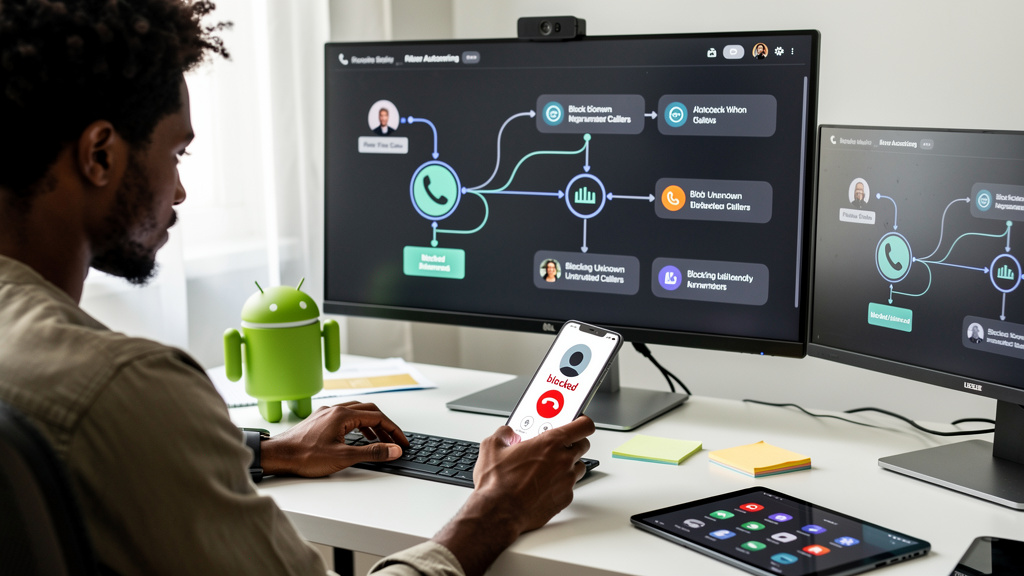
I do not owe strangers my evening. That used to be a sentence I had to keep explaining to my mother, who picked up every ring because she was raised to believe ignoring a ringing phone was a moral failing. My mother is wrong about that, and the phone companies know it, and the scammers have built a multi-billion-dollar business on the assumption that the rest of us still feel the same way. We do not. We just have not changed the settings yet.
Android ships with every dialer toggle you need to make a spam call a non-event, and the only reason it does not work for most people is that nobody told them where to look. The menus are buried. The toggles default to off. The marketing copy on the box talks about “AI photography” and not about the fact that your phone already knows which calls are garbage. Here is what I actually flipped on, in order, on a Pixel and a Samsung, and what happened to my week.
Caller ID is the part you turn on first
Open the Phone app. Tap the three dots or the gear. Find the section called Caller ID and spam. There are usually two toggles stacked on top of each other. Turn on the top one. That is it. Now, when a number you do not have saved calls you, your phone cross-references it against a community database before you ever hear a ring. If the number has been reported enough times, the screen lights up with a red label. If it has not, your phone rings normally and you decide.
This is the “see” half. You are not blocking anything yet. You are just giving your phone permission to look at the number and tell you what it knows before you commit to picking up. A lot of people stop here and that is already a major upgrade over answering blind.
- Caller ID and spam lives two menus deep in the Google Phone app
- The lookup is fast, usually done before the second ring
- The labels come from a shared report pool, mostly accurate, never gospel
- You can still see the call, you just see it with the label on top
- Mislabeled small businesses can be unblocked manually in seconds
The filter toggle is the part that buys you your evenings back
One switch below Caller ID sits the filter. Same menu, same screen, right under the first toggle. Turn it on. From this moment, when a number on the spam list rings you, your phone answers it for you. There is no ring. No vibration. No screen lighting up across the room and making you think someone you love needs you. The call lands quietly in your recent list with a crossed-out icon, and you carry on with dinner.
This is the toggle I wish someone had explained to me three years ago. The first time a known spam call came in, did not ring, did not interrupt anything, I felt a kind of quiet I had not realized I was missing. After a week of the filter running, my unknown-call list dropped from a real thirty-plus a week down to a handful. Most of those were legit callers I needed and could call back without losing the moment.
- Same screen as Caller ID, one toggle below
- Filtered calls still show up in your history with a small crossed-out icon
- Voicemail from filtered calls is auto-declined on most modern Android builds
- The biggest single change to your daily phone experience, full stop
- Give it two weeks before you decide whether to keep it on
Silence unknown callers is the big lever, and you should test it
If the first two settings are a polite fence, this one is a wall. The setting is called something different on every phone, but the idea is identical: any number that is not already in your contacts, and that you have not recently called back, gets sent straight to voicemail. No ring. No notification. Your evening is yours again.
The catch is that this one has a real downside. If you get calls from people you have not met yet, doctors, plumbers, recruiters, the school about your kid, you will miss the first ring from anyone new. For most people that is a feature. For some it is genuinely a problem. There is a clean middle path here. Turn it on for a full two weeks. If you miss something important, turn it off and stick with the first two toggles only. You have lost nothing. You are still dramatically better off than where you started.
- Lives under Spam and Call Screen on Pixel phones
- Lives one menu deeper on most Samsung phones, look for Block Numbers
- Saved contacts, starred businesses, and recent call-backs still ring through
- The adjustment period is real and it is short, give it two weeks
- If you bail, the first two settings are still a major improvement
Blocking one scammer teaches your phone to block the next one
The last thing on the list is not a setting. It is a habit. When a spam call gets past the filter anyway, do this: hold the number in your recent calls list, tap Block, tap Report as spam, and confirm. Two taps. Done. Your phone now remembers that number forever. Scammers rotate through fresh numbers every day, sometimes every hour, but if you block and report each one you see, your block list stays ahead of them. After a month of this on my own phone I went from a steady stream of unknown calls to almost none. The list syncs across your Google account, so a new phone inherits it on day one.
The trade-off worth naming out loud: when you report a number, you are feeding a shared database that helps the next Android user identify the same scammer faster. That database is mostly accurate. It is also not perfect, and once a small business gets mislabeled at scale it can be hard for them to recover their normal reach. Glance at the label before you tap block. Most of the time the label is right.
What carriers do and do not catch on their own
Your mobile carrier runs its own spam filters at the network level, and depending on who you pay each month, a chunk of the worst calls never even reach your phone. T-Mobile calls this Scam Shield. AT&T calls it Call Protect. Verizon calls it Call Filter. They each offer a free tier that catches the obvious stuff and a paid tier that does more, usually around three to four dollars a month. The free tiers are decent. The paid tiers are mostly fine.
The reason this matters alongside the dialer toggles is that the carrier filters run before your phone ever rings, so they protect you even when you have not touched a setting inside Android. The reason it does not replace the dialer toggles is that the carriers cannot label every scammer fast enough, especially the brand new numbers that just rotated in this morning. You want both layers running. Carrier filter for the broad catch. Dialer toggles for everything the carrier missed.
If you are not sure whether your carrier filter is on, dial the short code from your provider or open their app. It is usually a single switch you can flip in under a minute.
What to flip on first if you only have five minutes
If you only do one thing, flip on the spam filter toggle. That one switch will remove most of your daily call interruption by this Friday, and you do not have to think about it again. If you have ten minutes this weekend, do the other three in order. After that, your phone stops being a thing that happens to you and starts being a tool you actually run. The scam calls are still out there. They are just not your problem to answer.