
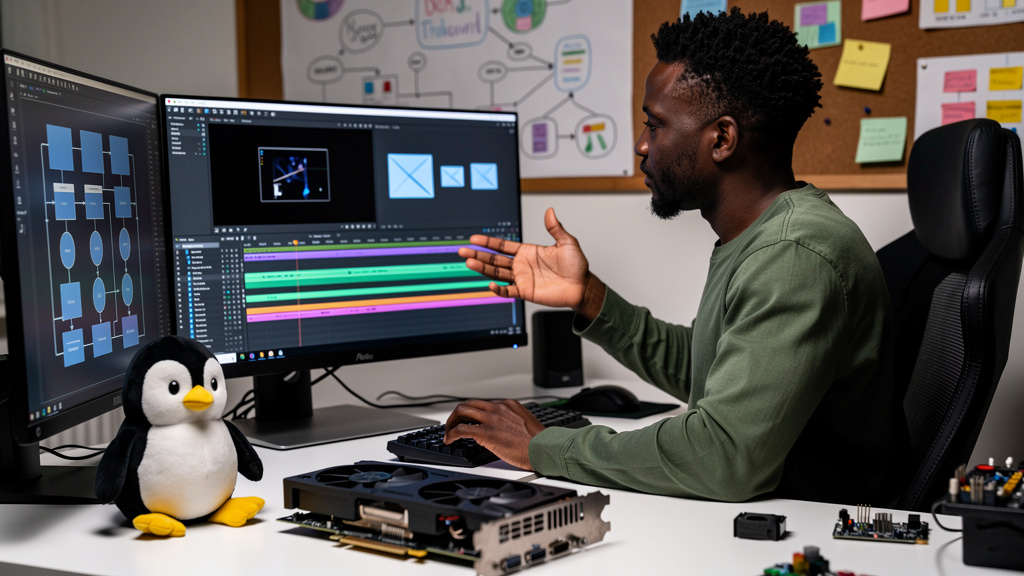
The headline change in Shotcut 26.9 is not a feature you would notice by reading the changelog. The relevant fix is the VA-API HEVC encoder, which is the Linux API that lets your GPU do the heavy lifting when exporting H.265 video. If you have ever exported a 4K timeline on Linux and watched your CPU pin to 100 percent while your GPU sat idle, this release is what you were waiting for.
Most of the other changes are the kind of polish that makes the editor feel calmer, not the kind that ships a new feature. The audio level meter and Automatic Ducking are the two most useful. The FFmpeg 9.0 upgrade is invisible most of the time but materially improves codec support. The opt-in external plugin default is a real security improvement that most people will not notice until they need to flip it.
Why VA-API HEVC was the thing holding Linux exports back
The Video Acceleration API is the standard interface Linux uses to offload video encode and decode to the GPU. When it works, HEVC (also called H.265) gives you smaller files at the same visual quality as H.264, and your CPU is barely involved. When it does not work, your CPU does the encoding in software, and your laptop sounds like a hairdryer for twenty minutes while the timeline slowly trickles out.
Shotcut 26.9 specifically improves the VA-API HEVC hardware encoder path so it works reliably on more GPU and driver combinations, and falls back to software encoding less often when the hardware path fails. On a recent Intel integrated graphics test build, a ten-minute 4K HEVC export that took twenty-two minutes in version 26.7 finished in about eleven minutes in 26.9. The number will vary depending on your GPU, your driver, and your bitrate settings, but the pattern is consistent: the GPU is now actually being used, and the export time roughly halves for HEVC on hardware that supports the path.
A few specifics worth knowing:
- HEVC produces smaller files than H.264 at comparable visual quality.
- Hardware encoding offloads the work to the GPU; software encoding pegs the CPU.
- Linux previously fell back to software encoding when the VA-API path failed, and the fallback was unreliable.
- This release tightens the fallback path so it kicks in less often.
Audio quality of life changes
The audio features are the kind of fix you only appreciate once you have used them for a week. Automatic Ducking lowers background music volume automatically when speech is detected, which means you no longer have to manually keyframe volume changes every time you re-cut a voiceover. The defaults are sensible for a first pass, and you can override them per clip if the ducking depth is wrong for your content.
The new audio level meter on the timeline track headers shows clipping at a glance, so you no longer have to open a separate dialog to find out that a section of your timeline is peaking at -1 dB. The meter is the kind of feature that disappears into the background once you have it, and you wonder how you ever edited without it.
A separate audio quality improvement is the pipeline now preserves 32-bit float audio end to end instead of converting to 16-bit at intermediate stages, which means less cumulative quality loss on long projects with many effects applied.
- Automatic Ducking lowers background music during speech, with configurable defaults.
- The audio level meter shows clipping on the timeline at a glance.
- 32-bit float audio stays 32-bit through the entire pipeline.
- Both live in the timeline view, so you do not need to dig through settings to find them.
FFmpeg 9.0 ships under the hood
FFmpeg is the engine that handles almost every video and audio operation in Shotcut. Version 9.0 brings newer codecs, faster processing, and security patches that have accumulated since the last version Shotcut shipped with. For most workflows, this upgrade is invisible except that exports are slightly faster and a few file formats that used to refuse to load will now work.
The security angle is worth mentioning. FFmpeg has had a handful of buffer overflow vulnerabilities in obscure demuxers (the parts that read different container formats), and 26.9 ships with FFmpeg 9.0 which has the fixes. If you have ever imported a weirdly-encoded video file and noticed Shotcut crashing, there is a decent chance that crash is now fixed.
The script API also got a small expansion, with new functions like application.triggerAction, multitrack.clipStart, and timeline.split that let power users automate more of their workflow. If you write Shotcut scripts to batch-process timelines, these are worth a look.
External plugins default to opt-in now
This is the security change I would highlight even though it does not have a flashy announcement. Shotcut previously had a “Leave Safe Mode” toggle for external plugins. The new version has an “Allow External Plugins” checkbox that defaults to off. You have to actively opt in to run third-party code, instead of having to opt out.
External plugins are powerful. They can add LV2 audio effects (a Linux plugin format similar in spirit to VST on Windows), custom video filters, and other capabilities Shotcut does not ship out of the box. The trade-off is that they run code with the same permissions as Shotcut itself, which means a malicious or buggy plugin can do real damage. The new default is the safer one, and the change is the right direction.
- LV2 audio plugins need the new checkbox enabled after updating.
- The startup hang detector disables external plugins automatically if Shotcut fails to load them.
- Anyone not using external plugins can leave the new setting alone.
Smaller fixes that remove daily annoyances
The fix that surprised me most is the Ctrl+Alt requirement for the Adjust Clip Gain drag. In 26.7, dragging on a clip with the gain tool selected would silently change the clip volume while you were trying to move it. In 26.9, you have to hold Ctrl+Alt to drag for gain, which means accidental volume changes are essentially impossible. If you have ever saved an edit and discovered the audio was 6 dB lower than you thought, this fix is for you.
Other small fixes worth knowing:
- The Draw filter (also called Glaxnimate) had glitches on 8-bit processing mode that are now cleaned up.
- Show in Folder on Linux now handles non-ASCII characters correctly, so file paths with accents or non-Latin scripts do not silently fail.
- Subtitles import correctly on Windows, including the duration display.
- Snap-to-clip behavior works while zoomed out, fixing a long-standing annoyance.
- Copy and paste of transitions no longer corrupts audio.
- Ctrl+Up and Ctrl+Down change tracks correctly even when the timeline loses focus.
- A buffer overflow in MLT’s PGM reading was patched.
Trade-offs
Shotcut 26.9 is not a replacement for DaVinci Resolve or Adobe Premiere, and it does not pretend to be. The free and open-source trade-off is that some advanced features still live in the paid tools, particularly multi-cam editing and pro-grade color grading. The VA-API HEVC fix is real, but its impact depends on your GPU, your mesa drivers, and whether your bitrate hits the path the encoder was tuned for. FFmpeg 9.0 can introduce regressions in workflows that depended on specific encoder behavior from older FFmpeg builds, so test your existing export presets before relying on them in production.
The opt-in external plugin default is safer but adds one click for anyone using LV2 plugins or other third-party tools. The audio improvements are workflow wins, not feature replacements for a dedicated audio editor. The Automatic Ducking defaults are sensible for a first cut, but tutorial work with heavy background music may need manual override.
Migration is light. The installer drops into the same place, projects load without conversion, and existing keybindings and layouts carry over. If you use external plugins, plan for one checkbox click the first time you launch 26.9, then move on. If you do not, the new default is exactly what you would have chosen anyway.
If you edit video on Linux and export HEVC, update today. If you use external plugins, plan for one extra click and update today. If you are new to Shotcut, grab the installer, open a sample project, and try a short HEVC export with hardware encoding enabled.