
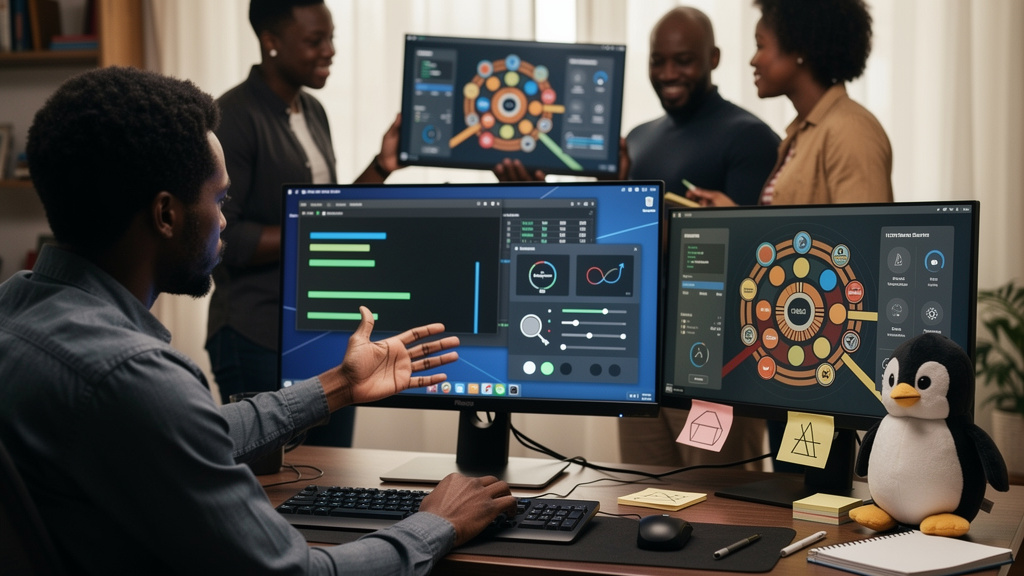
I have spent a year recommending Kubuntu over Linux Mint for most people, and I have watched my support emails drop to almost nothing. The friendlier distro is not always the better distro. It depends on the person.
Kubuntu is Ubuntu with KDE Plasma on top. Same engine, different paint. The thing I did not expect was how much the desktop layer mattered. Not because Plasma is prettier than Cinnamon. Because Plasma is the one that fades into the background after a week.
This is what I have learned from running Kubuntu on three laptops and a desktop, where it earns its keep, and who I still send to Mint instead.
What the desktop actually changes
Plasma is the window manager and panel that ships with Kubuntu. The version in the current LTS (long-term support release) is Plasma 6, and Plasma 6 has spent the last two years catching up to features that Windows users already expect.
Out of the box, Plasma puts a panel along the bottom of the screen, an application launcher on the left, and a system tray on the right. The hand position is identical to Windows. A person who has spent ten years on Windows does not have to relearn anything. They have to relearn very little.
Plasma 6 also added a few things that mattered to me on hardware I actually own:
- Native fractional display scaling, so high-DPI (dots-per-inch) laptop screens look right
- HDR (high dynamic range) support for newer monitors
- Variable refresh rate on Wayland, the modern Linux display protocol
- Window tiling built in, no extension required
- Activities, which are named virtual desktops you toggle with a key combo
Activities are the feature I underestimated. I keep one activity for writing, one for system administration, and one for browsing. Each one has its own windows. I switch with a keystroke and the wrong tabs do not follow me. After a month of that workflow, returning to a single desktop feels chaotic.
The safety net under Plasma
The reason I am willing to recommend Kubuntu to first-time Linux users is the operating system underneath Plasma. Kubuntu is Ubuntu. Every help article that applies to Ubuntu applies to Kubuntu. Every Stack Overflow answer from 2014 about apt still works. Every askubuntu.com thread from 2017 is still relevant.
That matters because switching to Linux is half install and half googling. The install you can do in an afternoon. The googling you do for the next year, every time you hit a new edge case. Kubuntu inherits Ubuntu’s entire troubleshooting footprint, which means someone has already written the answer to whatever you are about to hit.
A few practical details that make the long-term experience easier:
- LTS releases on a predictable two-year cadence
- Five years of security patches for the Ubuntu base layer
- Three years of patches for Plasma on top
- The same installer Ubuntu uses, so the walkthroughs match
The LTS cadence is the one most people do not think about until they are six months into a release that has stopped receiving patches. With Kubuntu, you get a release in April of an even-numbered year, two and a half years of full support, and a year of overlap before the next LTS lands. That is enough breathing room to schedule the upgrade around a long weekend instead of a Tuesday night.
Where Kubuntu loses to Mint
Mint Cinnamon is still the friendliest first Linux experience for someone who has never installed an operating system on their own. Plasma has more surface area, and more surface area means more ways to get stuck.
Configurability is the first trap. Plasma exposes more settings than Cinnamon. You can theme every panel, move every panel, replace every window decoration. That is a feature for me. It is a Saturday afternoon for someone who wanted to install an OS and get back to work.
A few other things that catch new users:
- Plasma ships major features faster than Cinnamon, so the occasional rough edge after a big version bump
- A meaningful number of tutorials assume GNOME (the Ubuntu default desktop), so some steps need translation into the KDE equivalent
- KDE’s default apps are good but not everyone’s taste, and replacing them is its own small project
- Kubuntu does not ship with Snap pre-installed the way Ubuntu does, which some users treat as a feature and others as a missing piece
If brand-new-to-Linux is the requirement, Mint Cinnamon is still the call. I am arguing for Kubuntu for the second desktop, the one a person installs after they have decided to stay on Linux and want something with more headroom.
How to test before you commit
Running a distro from a USB stick before installing it is the single most useful habit I picked up. You boot the USB, you poke around, you do not touch the hard drive. That sounds obvious, but I meet people every year who install first and ask questions later.
Half an hour of honest testing tells you more than an evening of forum reading. You cannot tell whether a desktop fits your life by reading about it. You tell whether a desktop fits your life by doing your real work in it for half an hour, on the hardware you will actually run it on.
If you find yourself fighting the desktop during that half hour, you learned something useful in thirty minutes instead of three hours. Wipe the USB stick and try the next distro.
Trade-offs
Kubuntu is not the lightest Linux distro. A fresh Plasma install uses more RAM than a fresh Cinnamon install, and the gap shows up on hardware older than a decade. On modern hardware, it does not matter. On hardware that was already struggling under Windows, the gap can be the line between pleasant and sluggish.
The other trade-off is support. Mint has a forum that reads like a small town. Kubuntu has the larger Ubuntu forum, which is more active and more useful for technical questions but less patient with first-day-of-Linux questions. If the goal is the friendliest first week on Linux, Mint wins. If the goal is the most capable desktop once you have committed to staying, Kubuntu wins.
The last trade-off is the one I underestimated. Plasma’s flexibility is a permanent tax on your attention. Every few months I catch myself tweaking a panel layout or trying a new icon theme instead of doing the work I opened the laptop to do. I have started using a separate user account for writing, with Plasma locked down, so the tweaking habit does not eat my afternoons. That is a personal problem. It is also the problem the friendlier distros do not give you.
What I would tell past me
Three notes back to the version of me who installed Linux for the first time:
- Try the live USB before you install. Half an hour in a live session tells you more than an evening of forum reading.
- Pick the desktop that disappears, not the one that impresses. Software is good when you forget it is there. Plasma on Kubuntu gets out of the way for me. Cinnamon on Mint gets out of the way for beginners. Pick the one that fits the person.
- Stay on the LTS track. The six-month releases are fun to read about. The LTS releases are the ones you actually want running on the laptop you depend on.
The desktop I keep coming back to is the one I stop noticing. Kubuntu on a modern laptop is that desktop. Yours may be different. Try both. The USB stick is free.