
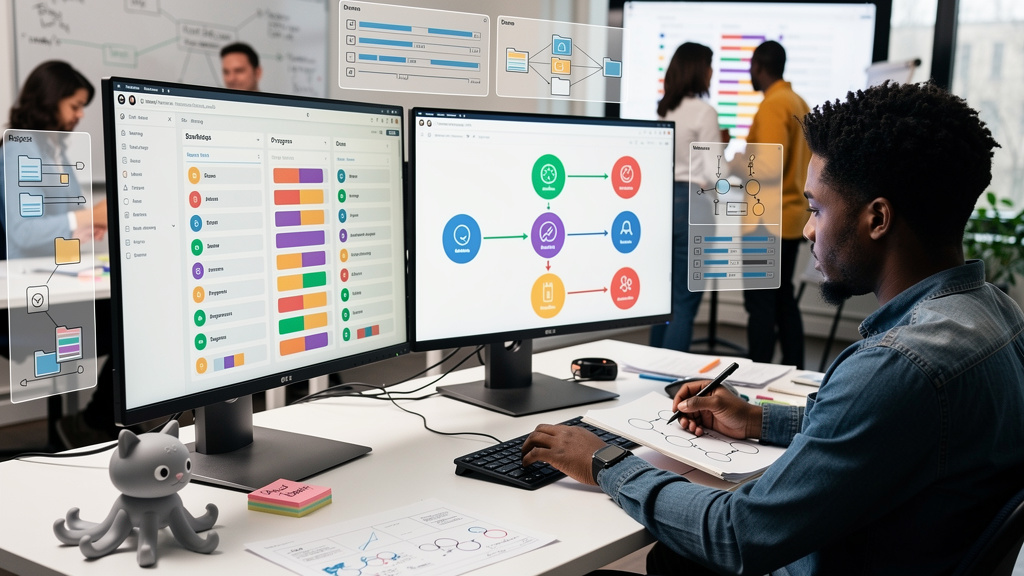
I used to lose the first forty-five minutes of every workday to the same handful of mechanical copy-paste jobs. Pull the registration list, scrub it, paste it into the morning channel. Duplicate the landing page on the event platform. Spin up a fresh batch of UTM tagged links. Tag the records in the CRM. The exact sequence repeated every morning, and so did the exact failure modes. The wrong campaign name sneaking into a downstream report. The missed morning post on a holiday. The list that was two hours stale by the time stakeholders saw it. None of these were hard individually. All of them were the kind of silent error that you only notice when someone asks a question you cannot answer.
The fix that finally worked was not a better tool. It was a different way of treating the GitHub Issue I was already using to plan the work. I had been treating the issue as a record of what got done, not as the thing that should be doing the work. Once I let the issue actually run the workflow, the morning copy-paste disappeared and the rest of the sequence followed.
The first thing that broke loose was the morning update
The smallest task in the whole chain was the morning status post. Twenty registrant records, two or three highlights, a link. I had put off automating it for months because it felt too small to be worth a workflow. The cost was that I was the bottleneck, and on the days I did not have a clear head, the update was late or sloppy or both.
When I let the issue fire the morning workflow, the cost went to zero in one move. The system pulled the latest numbers, formatted them, and posted the update at the same time every day. Two things changed the morning after the first automated run. Stakeholders stopped asking whether the event was on track, because the data was just there. I stopped opening my laptop with dread, because there was nothing to triage until something actually went wrong.
That was the moment I stopped thinking about which task was the highest impact to automate. The right question was which task was the most repetitive, the most forgettable, and the most visible when it slipped. The morning update hit all three, which is why it taught me the most.
Three primitives in the tool I was already using
The whole system runs on three things that exist in any GitHub repository a team is already using. I did not need a new platform. I needed three primitives used with intention.
Issue forms replace freeform text. A blank description invites chaos, because the system cannot read intent from a paragraph. An issue form presents a fixed set of fields. Event date, region, campaign name, audience. The form is the input shape. Everything downstream reads from those fields, which means the workflow does not depend on a human remembering which field goes where.
Labels are the switches. Each workflow listens for a specific label. Apply the label, and the workflow starts. Remove the label, and the workflow either skips or runs its cleanup branch. A label is not metadata. It is a state transition that the rest of the system can react to. Treating labels as switches instead of tags was the second mental shift that made the whole thing click.
Actions run the steps. Each label transition triggers a workflow. The workflow generates the UTM links, files the email send request, posts the morning status, exports the post-event list. The actions are the cast. The labels tell them when to enter.
Why the issue became the source of truth
Most teams treat their tracker as a side effect of the work. The work happens in chat, in spreadsheets, in browser tabs, and the tracker is where someone records what happened afterward. That model works until you have ten of them running at once, and then it falls apart.
Treating the issue as the source of truth means the form captures the inputs, the labels track the state, and the actions run the steps. Nothing important lives outside the issue. Comments stay on the issue. Files attach to the issue. Status updates reference the issue. The audit trail is the timeline, and the timeline is the audit trail, because they are the same object.
A few patterns I have landed on that made the difference:
- One form template per event type, so the workflow can branch on the kind of work
- Three labels per issue, one for each phase the system recognizes
- One workflow per label transition, scoped tight so failures are easy to spot
- The issue body as the canonical record, with the comments as the discussion log
None of that is novel. All of it is the kind of thing a team lead can ship in two weeks if they decide the system is the work, not a side effect of it.
What happens after the event, and why it stays simple
The follow-up loop is the part that usually lives in a separate tool. The team that ran the event moves on, and the team that has to report on it inherits a different tracker, different spreadsheets, and a different naming convention. The labels keep the timeline in one place, which means the post-event work runs against the same issue the morning updates were running against.
When the event label moves from setup to followup, a different workflow runs. When it moves to closed, the archive steps fire. Export the attendee list, reshape for the CRM import, tag the records, write the wrap-up report. The label change is the trigger, and the workflow does the rest. The wrap-up report at the end is reading from the same data the morning updates were, which is why it does not need to be reshaped between the two.
Trade-offs
This approach pays off when your tools have any programmatic surface. An API counts. A CLI counts. A tool that exports to another tool that has an API counts. If your stack is entirely closed and offers no programmatic entry point, you will hit a wall within a week, and pretending otherwise makes the writing useless. The wall is real.
You also need someone on the team who can write down what the work actually is. Not code. Description. The code can be drafted by an assistant, but the runbook has to come from someone who has done the work before. That step is annoying. It is also the part most teams skip, which is why their automation efforts die before they ever ship.
A few honest fit conditions to weigh before you commit:
- Best fit: workflows with clear inputs, consistent steps, and a defined start and end
- Bad fit: creative one-offs whose shape changes every time
- Hidden cost: the time to document the work before any automation exists
- Hidden upside: the runbook itself becomes the onboarding doc for the next hire
For most of the work I run, the trade works out cleanly. For the workflows that are genuinely unpredictable, I keep them as manual steps inside the same issue instead of forcing an automation that will fail in interesting ways.
Coaches note. Pick the smallest thing on your plate that you do every day without thinking. Write it down as a list of five to seven steps. Ask which step could fire from a label change or a form field. Build that one step first. See the time come back. Let the time back be the proof the system works, then move to the next step. That is how I went from a forty-five minute morning routine to a single issue. One transition at a time, with a human watching until the human can step away.