
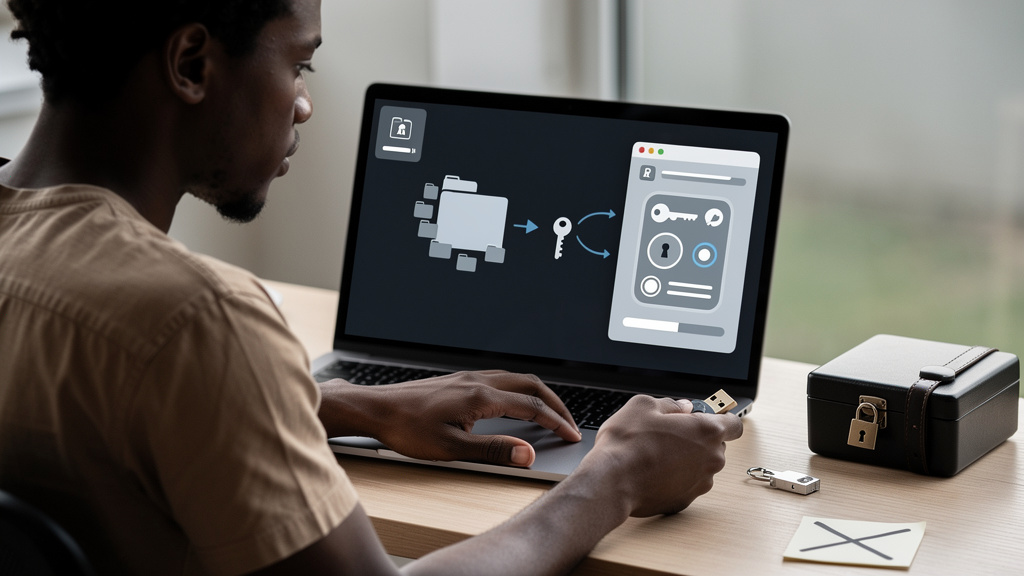
The number that got me was nineteen. That is how many devices on my home network had a reachable port, a cloud account, or a Bluetooth radio at the end of last year. Phones, laptops, and a TV I expected. The smart thermostats, the doorbell camera, the robot vacuum, three smart bulbs, the watch on my wrist, the scale in the bathroom, and the air quality monitor I had forgotten I bought were the surprise. Every one of them is a small computer with a network connection, a default password, and a manufacturer that may or may not still be shipping updates.
The good news is that securing them is not a project. It is a 10-minute sweep you do once and then revisit yearly. The bad news is that almost nobody does it, because each device individually feels too small to be worth the time, and the cumulative exposure is the part nobody looks at.
What the risk actually is, in one sentence
A smart device that you have not updated is a small computer on your network running software the vendor no longer maintains, with a default or weak password and a documented way in. The risk is not that the device itself is the prize. The risk is that the device becomes a foothold for someone to reach the rest of your network, the same way a forwarded port on a cheap IP camera can become a beachhead for ransomware crews hunting for NAS boxes.
The 2016 Mirai botnet (a botnet is a network of devices an attacker has compromised and can control in bulk, usually without the owners knowing) is the canonical example. It spread by guessing the default usernames and passwords on connected devices and using them as foot soldiers in a denial-of-service attack against major internet services. The compromise was not sophisticated. The defaults were the vulnerability, and the defaults never got changed.
The pattern repeats every couple of years in some form. The lesson is the same. Defaults are not security. The longer a device sits on your network with the username it shipped with and a password like admin123, the more likely it is that something finds it.
The three things that cover most of the surface
Most smart-device security gaps trace back to a small set of habits, not exotic attacks. Three practices, applied consistently, cover roughly 90 percent of the realistic risk.
- Replace the default username and password on every device. The username is the part people skip. Most devices ship with
adminas the username, and a lot of automated attacks try that combination first. Changing the username to anything else cuts a large class of attacks off at the knees. - Turn on two-factor authentication (2FA) wherever the companion app supports it. This is a six-digit code from an authenticator app on top of your password. It costs ten seconds per device at setup and it is the single highest-impact security control for a personal account.
- Keep the firmware and the companion app updated. Every major device vendor ships security patches on a regular cadence. Most devices have an automatic-update toggle buried in the app. Turn it on.
That is the whole list. Everything else is detail.
The sweep itself, in 10 minutes
I do this once a year, usually around the new year when I am already in a tidy-up mood. The order is what matters, because the first step is the one that saves the most time for the rest.
- Audit what is actually on the network. Most routers have a “connected devices” page that lists every device with a MAC address (a unique hardware identifier baked into every network interface) and an IP. Walk the list. Anything you do not recognize, kick it off. Anything you recognize but have not used in a year, factory-reset it and put it on a shelf. The point is to shrink the surface before you start securing the rest.
- Replace the admin password on the router itself. This is the part most people skip because the router setup happened three years ago and they have not logged into it since. The admin password on the router is the master key to every other device on the network, because it controls the network the devices are on. Change it now, write the new one in your password manager, and do not use the same password you use for anything else.
- Reset the password on every smart device account. Yes, every one. The phone app, the smart bulb app, the doorbell camera app, the vacuum app. Use your password manager to generate 20-character random passwords for each. This is the most tedious part of the sweep and it takes the longest, but it is also the part that gives you the most security per minute spent.
- Turn on 2FA on every account that supports it. Authenticator app is better than text-message codes, because text codes can be intercepted by SIM-swapping (a social-engineering attack where someone convinces your mobile carrier to transfer your phone number to a SIM card they control) and authenticator codes cannot. The most common authenticator app is fine. The point is that you have one.
- Confirm auto-update is on for every device. If a device has stopped receiving vendor updates, the sweep is the time to make a decision: replace it, or accept the risk and isolate it on a guest network so a compromise cannot reach the rest of your home.
The 10-minute budget assumes you have already set up a password manager and an authenticator app. If you have not, add another 20 minutes for those two tools first. They are the load-bearing infrastructure for everything else.
Trade-offs
The cost of this sweep is time, and the cost compounds the more devices you have. For a household with five or six devices, this is a Saturday morning project. For a household with fifty devices, it is a weekend.
The other trade-off is convenience. Some smart devices make you log in again on every phone after you change the password, which means a brief period of pushing the new password to every device in the house. Some devices lose their scene configurations when you factory-reset them, which means a few minutes of re-pairing (the process of introducing a smart device to its companion app or hub again) and re-grouping afterward. The alternative is not doing the sweep, in which case the convenience you are saving is the convenience of a device that someone else might quietly control.
There is also a real question of what to do with devices the vendor no longer supports. The honest answer is to replace them, but that is wasteful and not always financially reasonable. The compromise is to isolate them on a guest network or a VLAN (Virtual LAN, a way to segment one physical network into multiple isolated sub-networks so devices on one cannot see devices on another) that cannot reach the rest of your home. Most modern routers support guest networks out of the box, and the setup is ten minutes.
What I would tell past me
If I could send a message back to the version of me that set up the first smart device in this house seven years ago, I would say three things.
- The defaults are the vulnerability. Every device ships with credentials an attacker can guess in under a second. Change them the day you set the device up, not the day you remember to.
- The 10-minute sweep is a yearly habit, not a one-time project. Device counts grow, vendors stop supporting old hardware, and the threat landscape shifts. Doing the sweep once and never again is barely better than not doing it at all.
- A password manager and an authenticator app are the load-bearing tools. Every other security habit you build will lean on them. Set them up first, then do the sweep.