
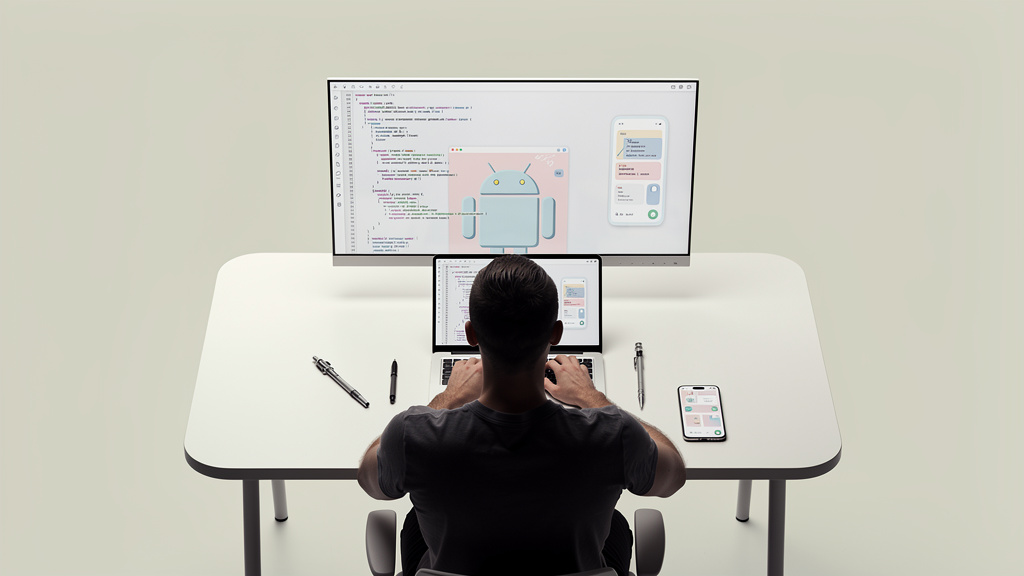
For years, asking Google to play nice with rival AI models felt like shouting into the void. The search giant built its empire on keeping you inside the Google garden. So when Sundar Pichai took the stage at Google I/O 2026 and announced that Android Studio now supports OpenAI’s GPT and Anthropic’s Claude directly, the room did not just applaud. It exhaled. This is not a minor feature update. It is a signal that Google finally understands developers do not want to choose one AI overlord. They want the best tool for the job, and they want it without switching apps.
The practical impact is immediate. If you build Android apps in Android Studio (Google’s official integrated development environment, or IDE, for building Android applications), you can now invoke GPT-4o, Claude 3.7 Sonnet, or Google’s own Gemini without leaving your IDE. No more copying code into a browser tab. No more context switching that breaks your flow. The models sit inside the same workspace where your Kotlin files live, reading your project structure, understanding your imports, and suggesting fixes that actually make sense in context.
Context stays inside Android Studio instead of leaking into browser tabs. Multiple models compete for your attention, which drives quality up. Google is admitting its own Gemini is not always the best choice. The setup is reportedly as simple as adding an API key in settings. This mirrors the trend we saw with VS Code’s copilot extensions, but native to the Android toolchain.
Android CLI 1.0 hands the keys to AI agents, not just chatbots
Google did not stop at adding model selection to the IDE. The bigger move is Android CLI 1.0, a stable command-line interface (a text-based way to run commands on your computer, as opposed to clicking through a graphical interface) announced alongside the Studio updates. This is what separates a chatbot from an actual coding agent. Claude Code, OpenAI Codex, and Google’s own Antigravity can now execute build commands, run tests, and iterate on code directly through the Android toolchain.
An agent is not just suggesting a fix. It is running ./gradlew assembleDebug, seeing the error, patching the bug, and trying again. That loop used to require human babysitting. Now it happens while you grab coffee.
The catch is that agentic coding is still expensive and occasionally wrong. Anthropic charges by the token (the basic unit of text an AI model processes, where roughly 1 token equals three-quarters of an English word), and an agent that loops through twenty build attempts can rack up costs fast. OpenAI’s Codex has shown similar behavior in early tests. Google’s pricing for its own models through this pipeline has not been fully detailed yet, which means you need to watch your API bills like a hawk until the dust settles.
Android CLI 1.0 gives agents direct terminal access to the build pipeline. Claude Code can now iterate on Android projects autonomously. Token costs add up quickly when agents loop through multiple attempts. You still need to review agent-generated code before shipping it. This is the real “vibe coding” moment for Android, not just autocomplete.
Google’s Antigravity 2.0 wants to be the native alternative
Here is where the story gets spicy. While Google is opening Android Studio to competitors, it is also pushing Antigravity 2.0, a standalone desktop app rebuilt entirely around agents rather than bolting AI onto a code editor. Announced at the same I/O keynote, Antigravity 2.0 is Google’s most direct answer to Claude Code and OpenAI Codex. It is an agent-first environment that handles Android, web, and cross-platform projects.
The strategy is clear. Google would rather you use Antigravity, but if you insist on Claude or GPT, they will take that too. It is the classic platform play: own the real estate, rent it to everyone. This mirrors Microsoft’s approach with GitHub Copilot. Redmond built the best integration for its own models, but still supports OpenAI and third-party providers in VS Code. The difference is that Android Studio is the official IDE for the world’s largest mobile platform. When Google opens the door here, it changes the economics for every AI coding tool.
Antigravity 2.0 is a separate desktop app, not a plugin. Google is hedging its bets: win with Antigravity, or win by owning the platform. Anthropic and OpenAI gain instant access to the Android developer base. This mirrors Microsoft’s GitHub Copilot strategy but for mobile. Competition between models inside the same IDE benefits developers directly.
The privacy trade-off is real and worth naming
Every time you let an AI model read your codebase, you are trusting a third party with your intellectual property. That risk multiplies when the model is not Google’s. If you paste proprietary Android code into Claude via Android Studio, Anthropic’s servers process it. Their privacy policies are solid, but they are not your company’s legal team. Google has addressed this partially by keeping some processing local and offering enterprise controls, but the moment you invoke an external model, data leaves Google’s walls.
For indie developers building open-source apps, this barely matters. For teams at banks or health-tech companies, it is a conversation with legal before you even install the update. The other angle is training data. OpenAI and Anthropic both say they do not train on API inputs without permission, but policies shift. If your code includes proprietary algorithms or licensed SDKs (Software Development Kits, the prebuilt code libraries that let your app talk to platform services), the safest path is still local models or Google’s enterprise tier, which promises stronger data isolation. Nothing is free in AI, and convenience always trades against control.
External models send your code to third-party servers. Google’s enterprise tier offers stronger data isolation guarantees. Indie developers face lower risk than corporate teams. Review your company’s AI usage policy before enabling external models. Local model options exist but are less capable than cloud APIs.
What you should try this week
If you already use Android Studio, the update is rolling out now. Enable the AI assistant panel, add your OpenAI or Anthropic API key, and test it on a non-critical project first. Do not let it loose on production code until you understand the cost structure and review workflow.
Try the same task across Gemini, GPT-4o, and Claude 3.7 Sonnet to see which model understands Android-specific patterns better. They are not identical. Claude tends to be more cautious with build configurations. GPT-4o is faster but occasionally hallucinates (confidently invents plausible-sounding but incorrect code or API calls) deprecated APIs. Gemini knows Google’s platform best but can be verbose. For teams, this is the moment to write an internal policy. Which models are approved? What projects are off-limits? Who reviews agent-generated code? Get ahead of it now, because your developers are already experimenting.
- Test on a side project before touching production code. A toy app lets you learn the cost and review workflow without risk.
- Compare all three models on the same refactoring task. You will be surprised how different the suggestions look.
- Set up API cost alerts before you start agentic workflows. A looping agent can burn through a daily budget in an hour.
- Write an internal AI usage policy if you do not have one. A one-page doc is better than no doc.
- Review every line of agent-generated code before committing. Trust, then verify, then merge.
Trade-offs
Multi-model support is not free in setup time. Each external model requires its own API key, its own billing relationship, and its own privacy review. The cost of running three models in parallel is roughly three times the cost of running one, and the value is not three times the value, especially for routine tasks. A small team with a single approved model is going to move faster on average than a large team running parallel benchmarks every sprint.
In our case, we are starting with Claude 3.7 Sonnet as the default for Android work because it produces the most reliable Kotlin code in our tests. We will add GPT-4o for code review and Gemini for Google-specific platform APIs. Your math will be different if you are a team of twenty with a security team that needs to sign off on every vendor.
The migration took about two days. One specific thing that was harder than expected was getting the Android CLI 1.0 toolchain to play nicely with our existing CI/CD pipeline (Continuous Integration and Continuous Deployment, the automated build and test system that runs every time you push code), which had its own assumptions about how builds are triggered. One specific thing that was easier than expected was the API key setup, which really is just a settings panel entry.
If you are an indie developer or hobbyist, this is a clear win. Set up two models, pay the API bills, and ship better code. If you are at a large enterprise, get your legal and security teams involved before you flip the switch, because the moment external models see your code, you have a data governance conversation whether you wanted one or not.
What I would tell past me
If I could send a message back to the version of me that was about to enable three AI models in parallel and call it a productivity win, I would say three things:
- Pick a default model, then add the others. A team that switches between three models every commit is a team that has not learned any of them well.
- Set a hard ceiling on agent spend per task. Agents that loop on a failing test will burn through a month’s budget in an afternoon.
- The privacy conversation is not optional. If you are writing code for a company, the legal team needs to know which models see which repos. Get that in writing.
The door is open. Walk through it slowly. The week to experiment is now. The week to trust, that comes later.