
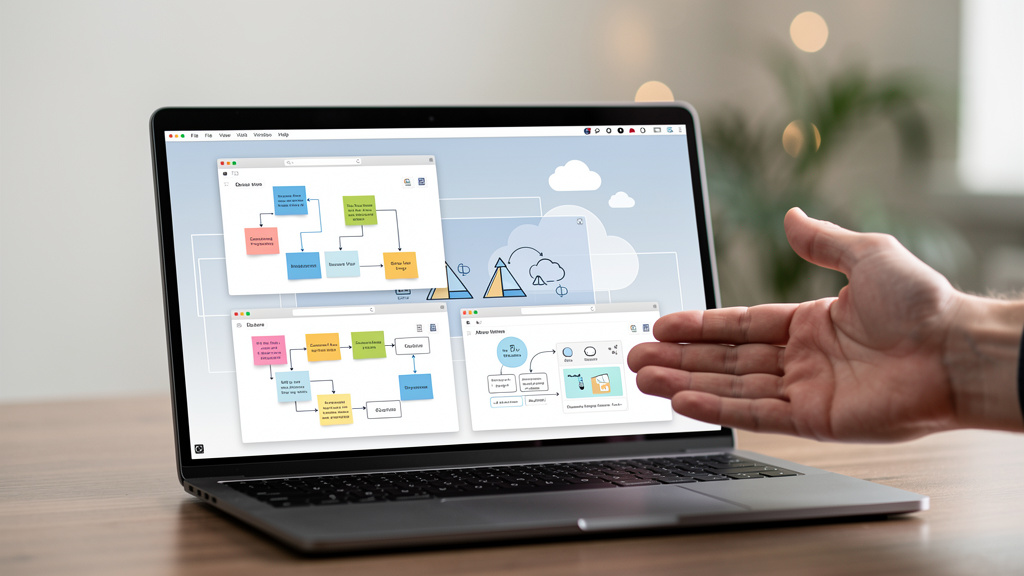
Whiteboard tools have multiplied over the last three years, and most of them require an account, send your data to a server, or both. The three below do neither. They are self-hostable, work entirely in the browser, and do not require an account. I have been using all three for different purposes over the last year. None of them are perfect. All three are worth your time, especially if you have been burned by Miro’s pricing changes or FigJam’s lock-in.
Why self-hosted whiteboards matter
The pitch is simple: you own the data, you control who can see it, and you are not building a habit around a product that can change pricing or pivot. The reality is messier. Self-hosting means running a server. Running a server means updates, security, backups, and the inevitable 2am page when something breaks. For a team that is already running infrastructure, the trade-off is fine. For a solo user or a small team without a sysadmin, the calculus is closer.
The three tools below are all browser-based. They run on any modern browser. They do not require plugins. They do work without an account, which means you can sketch a quick diagram on a borrowed laptop without worrying about leaving account state behind. The trade-off is that some features (real-time collaboration, persistence across sessions, custom libraries) require either the hosted version with an account or a self-hosted Docker container. The good news is that all three are reasonable to self-host on a one-gigabyte VPS (virtual private server) for a small team.
Tool 1: Excalidraw (the sketchy default)
Excalidraw is the default for a reason. It loads instantly, which is more important than it sounds when you are using a whiteboard to think out loud. The drawing experience is intentionally rough, which is good for whiteboarding because perfect rectangles and precise circles kill the brainstorming mood. The “sketchy” style is not a limitation, it is the product. Excalidraw has collaboration, exports to PNG and SVG, and a library of pre-drawn shapes. The hosted version at excalidraw.com works without an account. Your work is stored in your browser’s localStorage (the browser’s local data store that persists between visits on the same machine). Closing the tab without exporting is the only way to lose work in the hosted version.
The self-hosted version is a single Docker container:
docker run -d --name excalidraw \
  -p 5000:80 \
  excalidraw/excalidraw:latest
I run it in front of a Tailscale node (a private virtual network that lets you reach your machines from anywhere without exposing them to the public internet) so only my devices can reach it, but the same container works fine on a public port with a reverse proxy (a web server like nginx that sits in front of your app and handles HTTPS and authentication) in front. The trade-offs: no native text formatting (use plain text inside shapes), no tables, no embedded images in the way a more full-featured tool supports them. Excalidraw is a thinking tool, not a documentation tool.
Tool 2: tldraw (the cleaner option)
tldraw is what Excalidraw would be if it lost the sketchy style and gained more drawing precision. The interface is cleaner. The shapes are vector-perfect (mathematically smooth and scalable, not pixelated). The collaboration is real-time and feels smooth even with five or more people editing at once, which is a real difference from Excalidraw’s collaboration at scale. tldraw has a self-hosted option that runs as a single container or a Node.js service. The free version at tldraw.com is feature-limited but works without an account for short sessions. The self-hosted version unlocks everything.
The trade-offs are real and worth naming. tldraw has been pivoting toward AI features and SaaS (software as a service), which makes the long-term stability of the self-hosted version less certain than Excalidraw, which has stayed closer to its core sketch-and-share identity. The drawing experience is faster than Excalidraw but the product is less distinct. If you already know you want a clean whiteboard and do not need the sketchy aesthetic, tldraw is the right choice. If the sketchy aesthetic matters to you, Excalidraw is the right choice. The two are similar enough that picking one and sticking with it is the right call.
Tool 3: Whiteboard forks and extensions
There is a fork-and-extend community around Excalidraw that adds features without losing the sketchy aesthetic. The two most interesting are the official Excalidraw+ (a paid hosted version with more features like version history and team libraries) and a few open-source extensions that add image embedding, better text editing, and library support. For most people, vanilla Excalidraw is enough. For teams that need more, the extensions are worth investigating but each adds a maintenance burden.
A few I have tried and recommend:
- Excalidraw+ hosted. The paid version of Excalidraw with team libraries, version history, and AI features. Worth the per-user fee if you whiteboard daily and want your team’s templates and shapes organized.
- Excalidraw room server. A small self-hosted server that adds real-time collaboration with persistence to a vanilla Excalidraw frontend. Single binary, no database required.
- Affine and AppFlowy whiteboards. Not strictly Excalidraw forks, but they offer a similar browser-first whiteboard experience with stronger document features. Affine is the more polished of the two.
- Miro clone projects. Various open-source projects on GitHub attempt to clone Miro’s full feature set. Most are abandoned. Stick with the actively maintained tools above unless you have a specific feature gap.
Pick one extension or fork and stick with it. Tool-switching cost is real, and the time spent evaluating forks is rarely worth the marginal feature gain.
What you actually need
If you are whiteboarding alone, the browser localStorage on the hosted Excalidraw is enough. If you are collaborating with one or two people occasionally, the hosted Excalidraw or tldraw is enough. If you are collaborating with a team of five or more in a way that produces work you need to keep, self-host one of the above. The Docker image for either runs on a one-gigabyte VPS for a small team. The self-hosting cost is the server, not the tool. Spend your evaluation time on which one matches your team’s drawing style, not on feature comparison.
The honest tradeoff is that none of the three are Miro. They do not have Miro’s polish, Miro’s template library, or Miro’s integrations. They have what you need for most whiteboard sessions and a deployment story that does not lock you in. For a small team that whiteboards weekly, that is enough. For an enterprise design team that lives in the whiteboard, the calculus is different.
Trade-offs
None of these tools are free in time. Self-hosting means a server, which means updates, monitoring, and the occasional 2am page. Hosted versions on the open-source side are free but limited. The trade-off is the same one that runs through most open-source replacements: you trade money and lock-in for time and the responsibility of running the thing yourself. For a small team, the money saved is real. For a solo user, the hosted free version is enough.
The migration took an afternoon for the first self-hosted instance and about an hour per additional self-host. The hard part was deciding between Excalidraw and tldraw, which is a decision about aesthetics more than features. The easy part was the Docker install. If you want a browser-based whiteboard that does not require an account and does not send your data to a third party, all three of these are clear wins. If you need a fully-featured Miro replacement with integrations, templates, and a polished collaborative experience, the open-source options are not there yet.
What I would tell past me
If I could send a message back to the version of me that spent an hour signing up for Miro to sketch a single architecture diagram, I would say three things.
- Try the hosted Excalidraw first. It works without an account, and ninety percent of whiteboard sessions do not need anything more.
- Pick Excalidraw or tldraw based on aesthetic, not features. The two are similar enough that the right call is the one that matches how you think. Switching later is a real cost.
- Self-host only when you actually need to. The hosted versions of both are fine for solo work and small-team sessions. The self-host is worth the setup cost when you are whiteboarding daily with a team.