
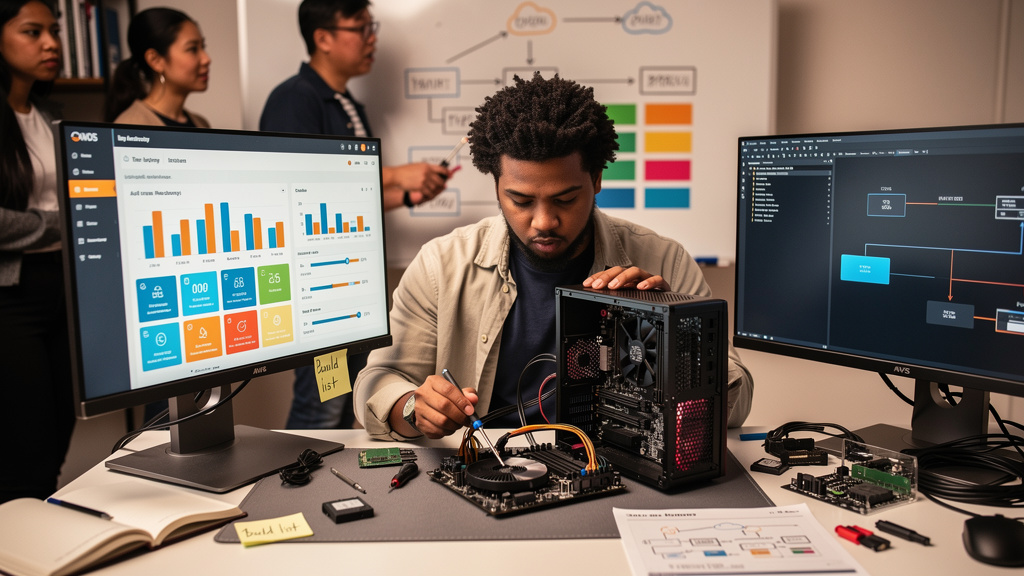
Valve quietly confirmed what the DIY crowd has been saying for a year: you can build a Steam Machine from whatever PC parts you have lying around, as long as SteamOS 3.8 actually supports them. The pricing on the official machine makes the home-built case obvious, and the only real friction is Nvidia drivers.
I have been running Linux as a daily-driver gaming OS on my living room PC for about three years. SteamOS is a Linux distribution, which means every assumption Valve makes for the official hardware is an assumption you can make for yourself on whatever you already have. The catch is that some of those assumptions have not been validated by Valve for off-the-shelf parts, and the Nvidia GPU situation is one of them.
The price problem Valve created
The Steam Machine ships at a four-figure USD price, which is a different conversation than the one people were hoping for. A sub-$500 Steam Machine was the dream and a console-killer was the implicit positioning. Instead, the official machine is positioned against the Xbox Series X and PlayStation 5 Pro, which is a category in the four figures but is also a category most people building their own home-lab PC passed through years ago.
The market response has been predictable. Build guides for homebrew Steam Machines exploded the week of the price announcement. Reddit threads on the topic carried titles like “Why wait for the Steam Machine when I built one for $300” and the comments underneath were mostly the same configuration: an older mid-range CPU (AMD Ryzen 5 5600 or Intel i5-12400 are the common picks), 16 GB of DDR4, a SATA SSD (a storage drive connected over the older SATA interface rather than the faster NVMe slot), and an AMD GPU that has been quietly sitting in a closet since the crypto-mining bust of 2022.
This is not a hack. It is the configuration the official Steam Machine is supposed to enable, except with parts that already exist in your house.
What Valve’s blessing actually means
Pierre-Loup Griffais of Valve said in an interview with The Verge that, starting with SteamOS 3.8, you can put together your own Steam Machine using whatever PC parts you want. The wording matters. “Whatever PC parts you want” is not a spec sheet you have to match. It is permission to assemble within a use-case envelope, which Valve has articulated as:
A PC plugged into a TV, with a single drive, no dual-boot, and you can put SteamOS on there and have an experience that is very similar to a Steam Deck docked or a Steam Machine, with caveats.
The use-case envelope is the interesting constraint, not the spec list. The official machine is a console-like appliance: single drive, single OS, single use case. The user-built machine that matches this envelope is going to behave the same way. The user-built machine that does not match (dual-boot Windows and SteamOS, multiple drives, laptop screen instead of TV) will probably work, with caveats, but is not what Valve has tested.
The implication for people who already have a Home Theater PC (HTPC, a PC connected to a TV for use as a media and gaming device) sitting next to their TV is that they can install SteamOS on it tonight. The implication for people who do not is that they can spend 30 minutes on PC Part Picker and end up with a parts list that would total roughly $400 to $600 for a comparable configuration, minus the input devices.
What “build your own” actually looks like
The recipe is unglamorous and it is reproducible.
Pick a CPU from the last four or five years (an AMD Ryzen 5000-series or 7000-series, or an Intel 12th-gen or later). The Steam Deck uses a custom AMD APU (Accelerated Processing Unit, a chip that combines a CPU and a GPU on the same die) and the official Steam Machine uses a recent AMD part. Most builds in the wild end up with something comparable.
Motherboards matter for the right reason. Look for one that supports the CPU and has HDMI 2.0 output (a TV-friendly HDMI version that handles 4K at 60 frames per second). The SteamOS install image expects HDMI for output and will not configure itself for DisplayPort (the alternative video connector used on most PC monitors). If your motherboard has DisplayPort only, you will need an active adapter or a different motherboard.
For graphics, an AMD GPU is the right choice if you can. The Radeon RX 6600, 6700 XT, and 7700 XT are the three cards that show up most often in the homebrew Steam Machine builds. They are old enough to be cheap, new enough to handle modern games at 1080p (standard 1080-line resolution, the most common TV resolution for living-room consoles), and supported by the Mesa (the open-source graphics driver stack used on Linux) driver that SteamOS uses.
Storage should be a 1 TB SATA SSD. The SteamOS image is small, but a game library is large, and the requirement for a single drive is the easiest of the envelope constraints to honor.
A realistic parts list in 2026 dollars:
- CPU (AMD Ryzen 5 5600 or Intel i5-12400F, used): $60 to $110.
- Motherboard (mATX (the smaller of the two standard PC motherboard sizes), HDMI 2.0, recent chipset): $80 to $140 new, $50 to $80 used.
- RAM (16 GB DDR4 3200 MHz (megatransfers per second, the speed rating the RAM runs at)): $35 to $50.
- GPU (AMD Radeon RX 6600, used): $120 to $180.
- Storage (1 TB SATA SSD): $60 to $80.
- Case (mATX-compatible with good airflow): $50 to $90.
- Power supply (500W, 80+ Bronze or better (an efficiency rating, meaning at least 82% of the wall power reaches the components)): $50 to $70.
Add it up: $455 to $720 for a comparable machine, depending on whether you buy new or used. The official Steam Machine starts above that. The build is not “cheaper than nothing,” it is cheaper than the thing Valve is selling you.
The Nvidia problem and the SteamOS 3.8 reality
Valve’s blessing has a footnote: Nvidia drivers (the proprietary software that lets Nvidia GPUs talk to the operating system) are not quite there yet on SteamOS 3.8. The Steam Deck and the official Steam Machine both use AMD, and the platform’s graphics stack was built around Mesa and the open-source AMD driver. Nvidia support is being worked on in the background, with Valve and Nvidia collaborating.
For builders with an Nvidia GPU, the practical reality is that the open-source Nouveau driver (the community-built Nvidia driver included with most Linux distributions) works for desktop use but does not deliver gaming performance. The closed-source Nvidia driver works for gaming on most Linux distributions but is not in SteamOS 3.8 by default, and installing it on SteamOS requires manual work.
If you have an Nvidia GPU and want to run SteamOS today, you are in the messy middle. The simplest workaround is to use an AMD GPU for now. The more durable workaround is to wait for Valve and Nvidia to ship the integrated driver, which is the work Pierre-Loup Griffais described as “something we’re working on in the background.”
For the homebrew Steam Machine use case, the AMD-only path is not a meaningful limitation. AMD covers everything from the low-end Radeon RX 6500 XT to the mid-range RX 7700 XT for 1080p gaming, and the prices on used cards have come down significantly since the crypto-mining era ended.
What I would tell past me
If I could send a message back to the version of me that was waiting for the official Steam Machine to land, I would say three things.
- The homebrew path is the actual path. If you have a TV-adjacent PC already, the cost is your time plus maybe a GPU upgrade. If you do not, the parts cost is lower than the official machine by a meaningful margin.
- AMD first, Nvidia later. The current SteamOS 3.8 reality is that the AMD-only graphics path is the one that “just works.” Pick your parts accordingly, especially if you are buying used.
- Honor the envelope. A single drive, single OS, TV-connected is what Valve has actually tested. If you build something fancier (dual-boot, multiple drives, custom resolution), expect to spend some evenings in forums.
Trade-offs
The homebrew Steam Machine is not free in time. Installing SteamOS is not the same as installing Windows. The image ships as a recovery tool that flashes a USB drive, and the post-install configuration (controller pairing, library import, Big Picture Mode setup, Proton configuration for non-Steam games) is a 2 to 4 hour afternoon the first time. It is faster the second time.
On the hardware side, the trade-off is that you are not getting the validation work Valve did on the official machine. The official Steam Machine has a known-good driver, a known-good thermal profile, and a known-good storage controller. Your build has whatever parts you happened to assemble, and the interaction between those parts and SteamOS is your problem to debug if something does not work.
In my case, the build I assembled for a friend took about 3 weeks of waiting for used parts to show up at the right price, plus a weekend of assembly and configuration. The hard part was finding a specific GPU model in good condition. The easy part was the SteamOS install, which has gotten noticeably smoother since the early 3.x releases. The total spend, including a controller, came out to roughly $580, which is about half of what the official Steam Machine would cost in early 2026.
If you already have an HTPC sitting next to your TV, this is the obvious move. Install SteamOS on it tonight, set Big Picture Mode to launch automatically, and treat it as the console you never bought. If you are starting from nothing, the parts list above gets you a comparable machine for less money than the official one, and the lessons translate to building regular Linux desktops later.
The official Steam Machine is a fine product. The homebrew version is a fine project for the kind of person who reads DIY guides on the weekends. The two are not competing for the same buyer.