
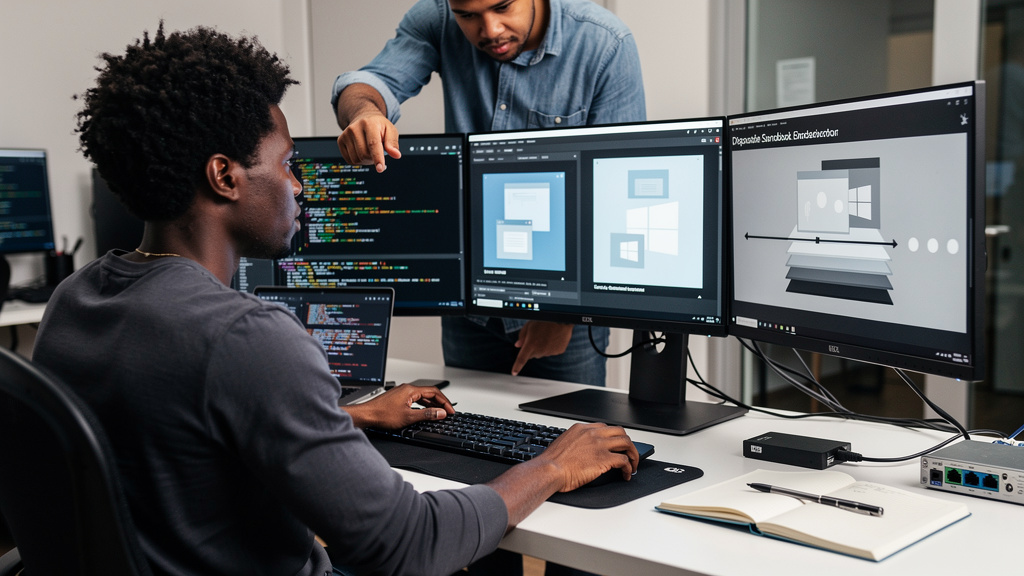
I had a Windows reference machine eating most of my laptop, and I needed five copies for testing. I almost did the dumb thing and ran Windows Setup five times. Instead I spent one weekend setting up a single image, and then handed out copies like candy. The result was six machines on roughly the disk space of one bloated image. The trick that made it possible is older than most of the people reading this, and that is the part of the story worth telling.
The feature is a small thing in virtualization software called a linked clone. It is a copy of a virtual machine that does not bring its own copy of the disk along. The clone borrows the parent’s read-only base disk, then keeps a small change-only file for whatever is different on this particular machine. A fresh copy starts at a few megabytes on disk instead of dozens of gigabytes. It boots in seconds. It behaves like its own machine the moment you log in. Most modern hypervisors (the programs that run virtual machines on top of your real hardware) ship the same feature under a different name, and the underlying trick is identical.
That mechanic is not the point of this article. The point is what the mechanic implies. If you can stand up a fresh Windows machine in the time it takes to type a name, you stop thinking about machines as things you keep. You start thinking about them as things you use once and throw away. The shift in mindset is more important than the saved disk space, and it changes what kinds of work you will try.
What changed when copies became cheap
For most of my career, machines were expensive. Each Windows install took an afternoon. Each test environment was a half-day project. Each new client required provisioning a real machine, real RAM, real storage. The cost of standing up a copy was high enough that we treated each one as permanent.
Linked clones collapse that cost. A copy that boots in under ten seconds and costs almost nothing on disk is no longer something you nurse along. It is something you create when you need it, do your worst to, and delete. The same shift happened with containers, with cloud virtual machines, and with disposable cloud accounts. The story is the same in each case. As soon as standing up a copy got cheaper than the time you would spend maintaining one, the maintainer became disposable.
Most teams I have talked to about this land in the same place. The conversation starts with disk space and ends with a willingness to throw work away. Once a sandbox costs nothing, the natural move is to break it on purpose.
The reference system is the real work
The copy step is the easy part. The work is the reference system, the one machine you treat as the source of truth that all the copies share. This is where most teams fail. They take a working Windows install, hand it out as copies, and then wonder why every clone has the same five problems baked in.
A good reference system is built by deletion, not by addition. You start with a fresh install, patch it, install the apps you actually use, and then strip out everything you would not want a friend to inherit. The list is longer than most people think.
- Strip the accidental snapshots. Snapshot files are a separate disk for every save point, and they pile up without anyone noticing. Delete them and consolidate before you do anything else.
- Disable the hibernation file. The hidden file Windows writes for fast boot is several gigabytes of nothing on a clean machine. Turn it off with the built-in power settings and delete the leftover file.
- Run the built-in cleanup tools. Windows ships with a maintenance pass that drops superseded update files and shrinks the working footprint. Run it once and accept the result.
- Audit startup apps. Most machines accumulate four or five background apps that nobody asked for. Disable them and the system is faster before you do anything else.
- Install the things that are not negotiable. Browser, archive tool, text editor. Anything else can wait until the copy is in your hand.
A reference that does the minimum is a reference that survives contact with reality. Every time you add a single-purpose tool to the parent, you have to maintain it on every copy forever. Resist the temptation. Boring is good.
Why most people leave copies lying around
Most home labs treat a fresh copy as a permanent machine. People stand one up for a one-hour test, then leave it running because cleaning it up sounds like work. A month later they have eight copies and they have not used any of them in two weeks. The disk fills up. The laptop gets slow. They blame the virtualization software.
Scratch paper is the cleaner mental model. You use one, you crumple it, you throw it away. If you find yourself keeping a copy for longer than a day, ask why. If the answer is “because deleting it sounds annoying”, delete it anyway and rebuild next time you need it.
Willingness to actually throw work away is the part of the discipline that takes the longest to learn. It is not the technical setup that makes linked clones powerful. It is the habit that turns a flexible tool into a real one.
Trade-offs
Linked clones are wonderful until you treat them as backups. They are not. Each linked clone depends on the reference system staying intact. If you corrupt the reference by running cleanup inside it, every clone breaks with it. You still need a separate copy of the reference, exported somewhere else, in case the worst happens.
There is also a tax on disk performance. Because the copies share the same base disk, heavy reads across many copies at once can saturate the underlying storage. On a fast SSD with a modern CPU you do not notice. On a slower drive, eight copies running disk-heavy builds at the same time will start to crawl.
Finally, snapshots on copies are a footgun. Each linked clone can take its own snapshots, and those stack against the parent’s change history. If you take snapshots on a copy, then take more on the parent, you can quickly end up in the same mess you started with. Snapshots are for short-lived rollback during risky work. They are not for “maybe I will need this later”.
Bottom line
If you run a single Windows install on a single laptop, linked clones will not change your life. If you run a lab, a test bench, or any setup that needs the same Windows environment more than once, they will. The setup is one weekend of work, the savings are every weekend after that.
The honest minimum is to delete the snapshots you cannot explain, then disable hibernation, then run the cleanup pass. After that, every future machine is a name and a few seconds away. Five copies at near-zero overhead each is a much better afternoon than five rounds of Windows Setup.