
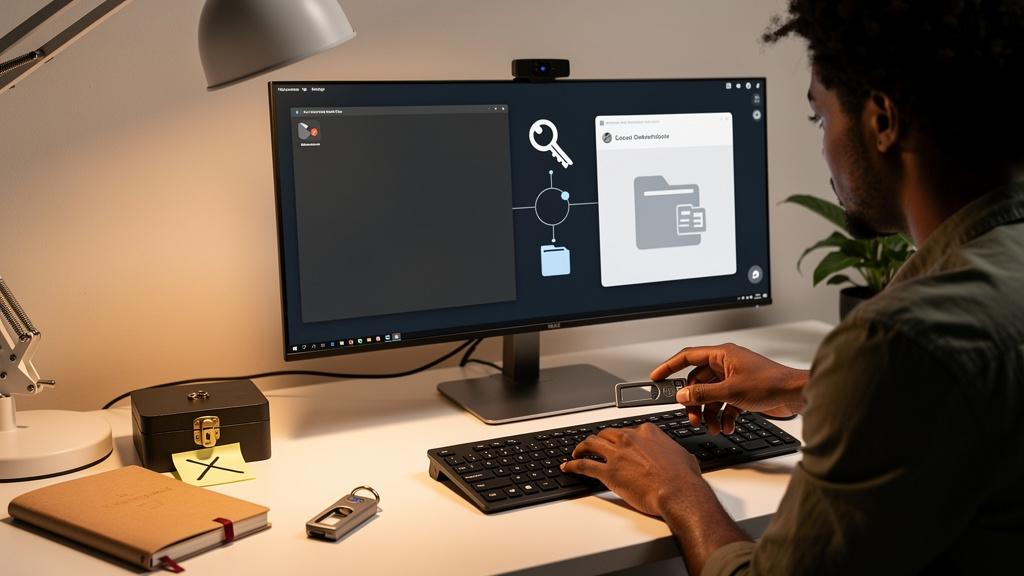
Windows 11 is about to ship a small change with outsized consequences for anyone who relies on picture passwords. The July 2026 cumulative security update does not strip the feature off machines that already use it. What it removes is the option to enroll a new one. Once the patch lands, anyone who resets their sign-in, switches accounts, or does a clean install will find that the picture password wizard is no longer there. There is no toggle to bring it back. That one way door is the part of the announcement that deserves more attention than it is getting.
Here is what is actually changing, why Microsoft is making the move, and the short list of things worth setting up this week before the patch arrives.
What is going away, and what stays
The setup flow for picture passwords is being pulled out of Windows 11. If you already have one configured and you do nothing, your sign-in keeps working. The minute you remove the existing picture password, switch to a different account on the same device, or wipe the laptop, the option to set a new one is gone.
That distinction sounds smaller than it is. Microsoft is not loudly retiring the feature the way it retired Cortana or the old Paint 3D entry point. The change is buried inside a monthly security rollup that most users will install without reading the changelog. By the time someone realizes the wizard is missing, they have already locked themselves out of a sign-in method they used to love.
Why the timing is now
The official explanation is that picture passwords were always more of a usability experiment than a serious security control. They were designed in the Windows 8 era to show off touch input on tablets and convertibles, and the underlying gesture model never matured into something Microsoft was willing to bet the sign-in flow on. The University of Pennsylvania flagged the smudge attack (where finger oils on a touchscreen reveal the unlock pattern) back in 2013, and a decade of phones and tablets has only made touchscreens dirtier and the attack easier.
Microsoft has spent the last several years pushing Windows Hello as the default. PINs tied to a TPM chip (a tamper resistant security chip on the motherboard that locks down keys even if the laptop is stolen), facial recognition through Windows Hello cameras, fingerprint readers. Those are stronger against someone glancing over your shoulder or lifting a gesture off a smudged screen. Picture passwords were the last holdout from the touch tablet era, and pulling the setup flow is the cleanest way to nudge users toward the modern stack without breaking the ones who already enrolled.
What the trade actually looks like
The honest read is that picture passwords were a feature most people never used and that people who used them tended to enjoy. The change Microsoft is making is not wrong on its merits. It is worth being clear about what is being given up and what is being gained, because the announcement glosses over both halves of that equation.
- You lose a low friction, image based sign-in that worked well on touch hardware and was accessible to people who struggle with PINs or passwords.
- You gain a stronger default against casual observation, smudge attacks, and replay attacks on shared screens.
- You become more dependent on hardware specific options like a fingerprint reader or a Windows Hello camera, which not every laptop has.
- You give Microsoft a smaller, more uniform sign-in surface that is easier to support and easier to fold into the Microsoft 365 single sign-on stack.
That last point is the one Microsoft will not say out loud. The change is a security upgrade, and it is also a quiet consolidation that lets Microsoft focus engineering and support effort on a smaller number of methods. Both can be true, and the right read is to know which side of the trade you are sitting on.
The accessibility footnote
There is a real loss hiding under the security story. Picture passwords did not require memorizing anything you could type. For users with cognitive load issues, dyslexia, motor limitations, or a deep dislike of PINs, the picture password was a small but real accessibility win dressed up as a novelty. Windows Hello biometrics cover most of those cases on modern hardware with a fingerprint reader or an infrared camera. On older laptops without either, the upgrade quietly turns into a narrowing of options.
That nuance matters more than the press release suggests. If you are reviewing this change for a team that includes users on older hardware, do not assume the upgrade is a clean win for everyone.
What to set up this week
If you currently use a picture password, treat it as the last one you will ever configure. Do not remove it on a whim. Do not reset it because a guide told you to start fresh. The moment you do, the option is gone.
A short, ordered checklist before the patch installs:
- Confirm the patch landing on your machine is the July 2026 cumulative security update, not a different monthly rollup.
- Add a Windows Hello PIN as a backup, even if you intend to keep using your picture password for daily sign-in.
- If your laptop has a fingerprint reader or a Windows Hello camera, enroll that as a second option while you still have the picture password as a safety net.
- Do not remove your picture password until the new method has worked three times in a row without a problem.
- Note your Microsoft account recovery options somewhere offline, because losing the local sign-in does not mean losing the account itself.
If you are on older hardware without biometric options, the calculus changes. Read the recovery options guide before you change anything, and consider whether an external Windows Hello compatible webcam is worth the spend for the long run.
Trade-offs
Microsoft’s framing is not wrong, just incomplete. Pulling the picture password setup is a defensible security improvement on hardware that supports Windows Hello. Smudge attacks and shoulder surfing are real, not theoretical. The cost is a quieter reduction in the variety of sign-in methods available in Windows, and a real accessibility regression on machines without biometric hardware. Both halves deserve to be in the same sentence.
There is also a meta trade worth naming. The change is being delivered with very little fanfare for a feature removal that has a real accessibility footprint. Users who relied on picture passwords deserve a heads up before the wizard disappears, and IT teams managing shared devices should plan for a small number of support tickets from people who did not know the wizard was going away.
The other honest note is that this kind of quiet consolidation is how Windows has lost features for years. The pattern is always the same. A real security justification, a small number of users affected, and a one way door hidden inside a routine monthly update. Reading the changelog of the next cumulative patch is a habit worth keeping, even when the patch looks routine.
What I would tell past me
Set up a Windows Hello PIN this week, even if you plan to keep using your picture password. Treat the current setup as the last one you will ever have, and do not remove it until the new method has worked three times in a row. That is the entire plan, and it takes a few minutes on hardware that cooperates. On a laptop without a working fingerprint reader or Hello camera, spend an extra ten minutes thinking through recovery options before the patch lands, and decide whether an external webcam is worth the spend for the long run.